
Waffle Chart
On apricot, a 10 by 10 grid fills one square per survey answer in four flat colors as a mixed mosaic, then every square lifts and glides into sorted blocks for walk, bike, tram and car, percentages land below, and an outline groups the 44 who walk or cycle.
Written and rendered by AI CSS Animations Oct 18, 2026
- Type
- prompt
- Made with
- Claude Opus 5.5 in Claude Code
- Built in
- HTML/CSS
- Topics
- Charts
About this style
A waffle chart shows a part-to-whole split on a grid of equal squares, usually 10 by 10, so each square stands for one percent or one person. Counting squares is easier than judging the angles of a pie, and the grid keeps small shares visible. It descends from the pictorial unit charts of the Isotype movement of the 1920s and 30s, which built quantities from repeated identical symbols. News graphics, annual reports and social posts use it whenever a share has to be understood at a glance.
The prompt
Make a 10-second waffle chart: 100 squares fill as survey answers arrive in random order, then glide into sorted blocks so the proportions read at a glance.

<inputs>
If I don't give you something, use the default and don't ask.
- Town: Brindlewick (fictional). Survey by the Brindlewick Transport Forum.
- Title: "How Brindlewick gets to work"
- Dek: "We asked 100 people how they usually travel. One square is one person."
- Answers: Walk 18 · Bike 26 · Tram 31 · Car 25 (100 in all).
- Callout: "44 of 100 walk or cycle."
- Source: "Brindlewick Transport Forum street survey, October 2026."
- Length: 10 seconds.
</inputs>

<direction>
- Palette: apricot ground #FFE6CF; empty cells #F8D3B3; Walk teal #109C80, Bike tomato #F2542D, Tram cobalt #2C4BD6, Car warm grey #7A6B6F (the quiet category); ink #2A1A12, secondary #7A5A48.
- Grid: 10 × 10 cells of 64px with 10px gaps (730 × 730px) at x 1010–1740, y 175–905. Cells are flat squares with 12px corners: no outline, shadow or gradient.
- Text column, x 120–860: the kicker "BRINDLEWICK TRANSPORT FORUM" in "Azeret Mono" 600, 20px, tracked 0.12em, tomato, at y 150; the title in "Gabarito" 800, 80px, two lines, ink; the dek in Gabarito 500, 28px, secondary, at most 640px wide. From y 560, a legend of four rows 84px apart: a 40px swatch with 10px corners, the category in Gabarito 700, 34px, and its count right-aligned at x 840 in Azeret Mono 600, 56px, tabular figures, with a 24px "%". The source at y 990 in Gabarito 500, 20px, secondary.
- Arrival: shuffle the 100 answers once at load with the seeded PRNG (exactly 18, 26, 31 and 25). Answer k lands in cell k in reading order (rows top to bottom, each left to right), so the first pass is a mixed mosaic. Each cell pops in on a spring, scale = 1 − e^(−9s)·cos(15s) with s the seconds since it started; its legend count ticks up as it lands.
- Sorted order: columns left to right, each filled from the bottom up, categories in the order Walk, Bike, Tram, Car, so each becomes one solid block and Walk and Bike sit together on the left. Walk takes column 1 and the bottom 8 of column 2; Bike the top 2 of column 2, columns 3 and 4 and the bottom 4 of column 5; Tram the top 6 of column 5, columns 6 and 7 and the bottom 5 of column 8; Car the top 5 of column 8 and columns 9 and 10. Within a category, each cell goes to the nearest free target so paths stay short.
- Sorting motion: each cell travels on a shallow arc (bowing 24px) over 0.7 s on cubic-bezier(0.65, 0, 0.35, 1), lifting to scale 1.08 in mid-flight and settling with a 3% overshoot; starts are staggered 6ms apart in target order.
- Block labels, below the grid: the percentage in Azeret Mono 600, 44px, over the category in Gabarito 700, 24px, centered under columns 1–2 (Walk), 3–4 (Bike), 6–7 (Tram) and 9–10 (Car).
- Callout: a 3px ink outline, 6px outside the cells, traces the stepped edge around the 44 Walk and Bike cells, drawn on by dash offset over 0.6 s; "44 of 100 walk or cycle." in Gabarito 700, 30px, sits above the grid, left-aligned at x 1010 on baseline y 145; the Tram and Car blocks dim to 70%.
- Motion is friendly and precise: entrances rise 14px as they fade in over 0.45 s on cubic-bezier(0.22, 1, 0.36, 1); counts roll digit by digit.
- Premium: one square per person, counts that add to exactly 100, a sort that turns a mosaic into proportions you can see, generous flat color. Cheap: a pie chart, 3D tiles, icons in every cell, a legend you have to decode.
Banned: pies or donuts, 3D or bevelled tiles, drop shadows, gradients, icons or pictograms in cells, a fifth color, a grid that isn't exactly 100 cells, anything flashing more than 3 times per second.
</direction>

<structure>
- 0.0–0.8s: the apricot ground; the 100 empty cells fade up from the top-left corner in a diagonal wave, 8ms per diagonal; the kicker and title rise in.
- 0.8–1.2s: the dek and the legend rows, counts at 0, rise in.
- 1.2–3.7s: the answers arrive, one cell every 25ms in reading order, each popping in its color; the counts tick up to 18, 26, 31 and 25.
- 3.7–4.2s: stillness on the mixed mosaic.
- 4.2–5.5s: the sort: cells lift and glide into their blocks until four solid bands stand left to right.
- 5.5–5.9s: the block labels rise in below the grid, 0.1 s apart.
- 6.4–7.6s: the outline traces around the Walk and Bike cells; the callout rises in above the grid; Tram and Car dim.
- 7.6–8.4s: the source fades in.
- 8.4–10.0s: hold, completely still.
For other lengths, scale the arrival and the sort; keep at least 1 s of hold.
</structure>

<build>
- One self-contained index.html (inline CSS and JS), a 1920×1080 (16:9) stage scaled to fit the window, designed for 60fps. No image, video, texture or model files: every shape and texture is generated in code.
- window.seek(t), t in seconds, computes every visual from t alone: no CSS transitions or CSS animations, no setTimeout/setInterval, no state carried between frames, randomness only from a seeded PRNG. Anything cumulative is solved analytically from t or precomputed once at load at a fixed step. Past the end, seek clamps to the last frame.
- Without ?render in the URL, drive seek from requestAnimationFrame so it plays in a browser (loop after a 1s end hold); with ?render, don't start that loop.
- Google Fonts via <link> are fine; await document.fonts.load() for each face before defining window.seek.
- Engine: HTML/CSS: absolutely positioned divs for the cells, setting transforms, background colors and opacity from seek; the outline is an inline SVG path. No chart libraries.
- The shuffle and every cell's arrival time, start cell and target cell are computed once at load; each cell's position is a closed-form function of t.
</build>

<check>
Before showing me, step through one frame per second (t = 0…10): screenshot each and look at it. Fix overlaps, clipped or cramped text, and anything off-style or Banned. Count the squares in the final frame: exactly 18, 26, 31 and 25, matching the legend and the labels. Check every cell lands on the grid with no gaps or doubles after the sort, the outline follows the Walk and Bike edge exactly, no label touches another or the grid, and the 6 s frame shows the sorted grid with its labels. Confirm seek(10) and seek(11) match, so the final frame holds.
</check>
Ours, and free to use under CC0: copy it, change it, ship it. No credit needed.
Similar prompts

A light analytics dashboard builds itself from fictional data that adds up: counters roll on tabular figures, sparkline…
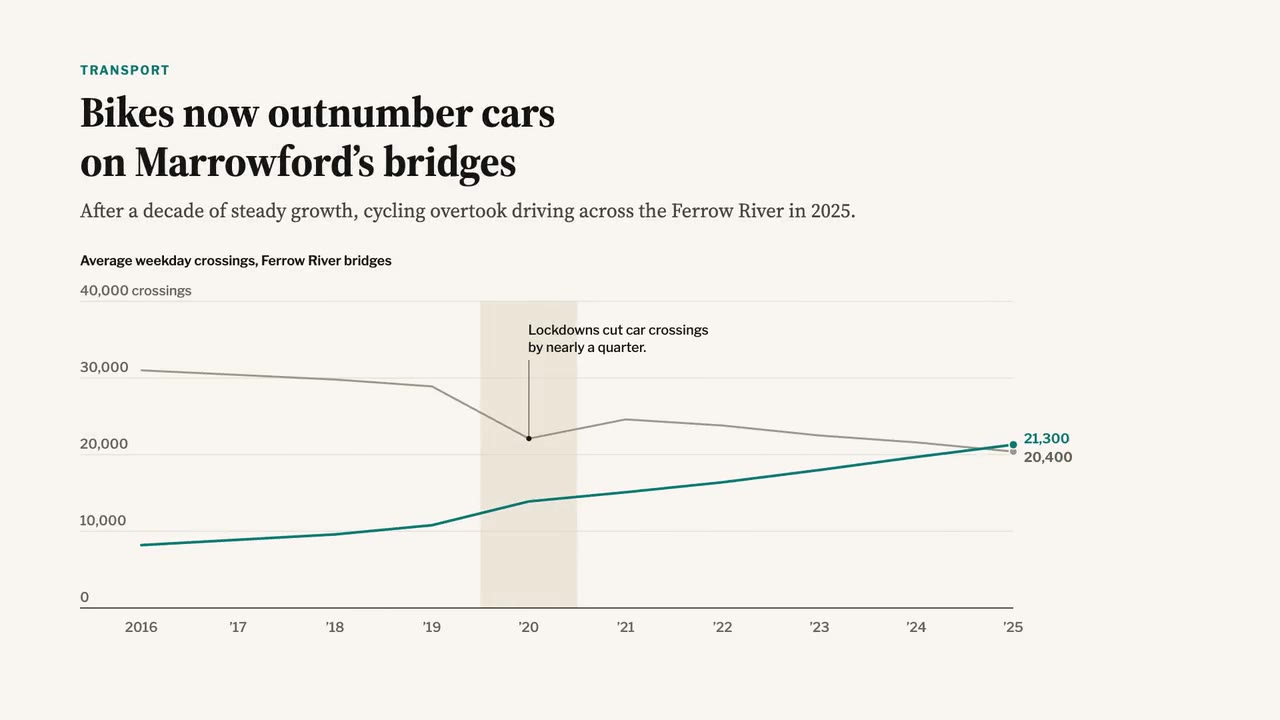
A newspaper-grade animated chart: serif headline and dek, a two-line chart that draws year by year, a shaded 2020 band,…

A crisp live-sports graphics package over a soft-focus stadium feed: score bug with running clock, layered lower third,…
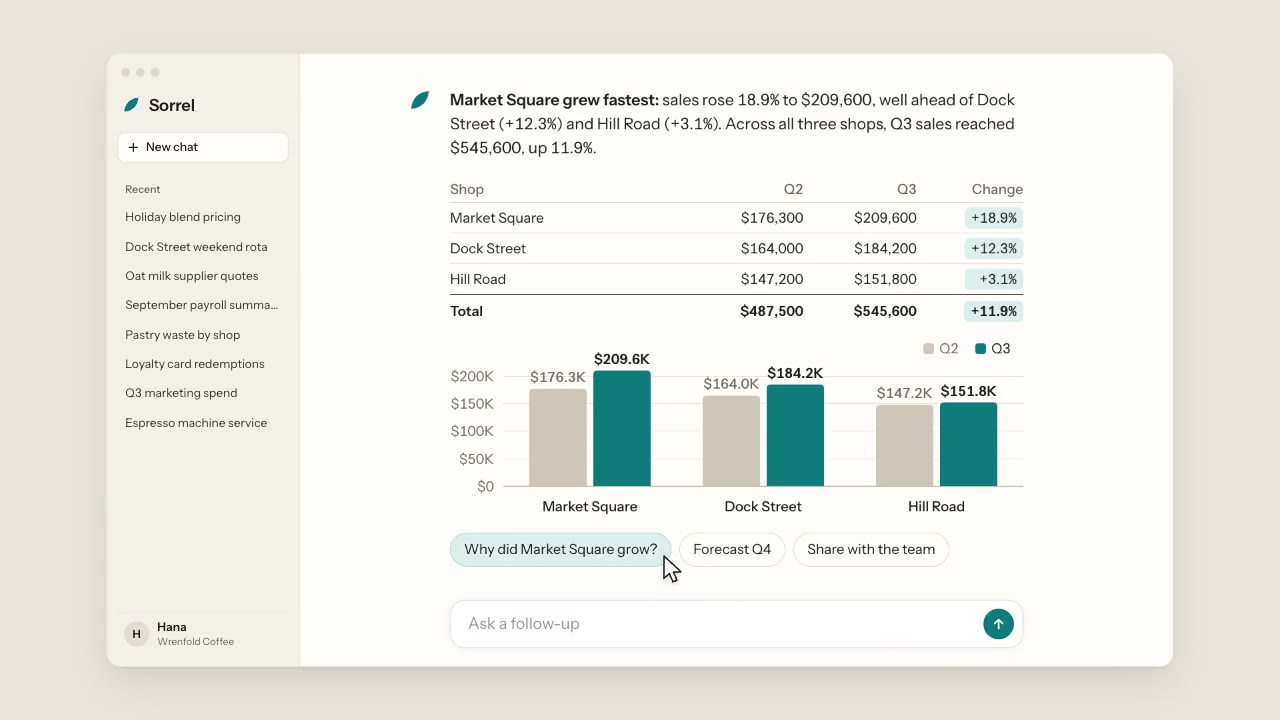
A warm, light chat app: a cursor types a question about three coffee shops, the assistant streams its answer word by wo…
More like this on the motion design inspiration board: Data visualization inspiration