
Gantt Chart
A light project app builds a six-week Gantt chart: dated bars grow in four phase colors, elbow arrows link each dependency, two milestone diamonds pop, progress fills and a red today line drops, then a click on a switch highlights the critical path and three days of slack.
Written and rendered by AI CSS Animations Oct 18, 2026
- Type
- prompt
- Made with
- Claude Opus 5.5 in Claude Code
- Built in
- HTML/CSS
- Topics
- Charts · Product UI
About this style
A Gantt chart lists a project's tasks as horizontal bars against a calendar, so start dates, durations and overlaps read at a glance. It is named after the American engineer Henry Gantt, who developed his charts in the 1910s, though the Polish engineer Karol Adamiecki had devised a similar diagram in 1896. Software later added dependency arrows, milestones, progress fills and a line marking today, and the critical path method, developed in the late 1950s, shows which tasks cannot slip without moving the end date. It remains the standard timeline view in project management tools.
The prompt
Make a 10-second project app demo: a Gantt chart builds itself with dated task bars, dependency arrows, milestones, progress and a today line, then one click highlights the critical path.

<inputs>
If I don't give you something, use the default and don't ask.
- Product: Keelboard (fictional). Project: "Paperleaf app · v2". Team avatars: AK, MJ, RO, TS.
- Range: Monday 2 November to Sunday 13 December 2026. Today: Thursday 19 November.
- Tasks, workdays only (start–end, owner, status, depends on):
  1 User interviews, 2–6 Nov, AK, done
  2 Synthesis, 9–10 Nov, AK, done, after 1
  3 Wireframes, 11–17 Nov, MJ, done, after 2
  4 Visual design, 18–24 Nov, MJ, 40%, after 3
  5 API endpoints, 11–20 Nov, RO, 70%, after 2
  ◆ Design review, Wed 25 Nov, after 4
  6 Build app screens, 26 Nov–4 Dec, RO and TS, after the review and 5
  7 QA and fixes, 7–9 Dec, TS, after 6
  8 Store submission, Thu 10 Dec, TS, after 7
  ◆ Launch, Fri 11 Dec, after 8
- Summary: "8 tasks · 2 milestones · Launch Fri 11 Dec · On track"
- Accent: #3B5BDB. Length: 10 seconds.
</inputs>

<direction>
- Palette: stage #E3E6DF; app window #FFFFFF with a 1px #D9DDD6 border and a soft shadow (0 30px 80px, 14% #1A1D21); ink #1A1D21, secondary #6B7078, hairlines #ECEEF0, weekend columns #F6F7F8, connectors #A3A9B1, today #E5484D. Phases: research (tasks 1–2) bar #E9E3FF with progress #6E56CF; design (3–4) #FFE7D6 with #E8743B; build (5–6) #D7F2EC with #1F9E8A; release (7–8) #E1E8FF with #3B5BDB.
- Type: "Plus Jakarta Sans" 500–800 for the interface, "IBM Plex Mono" 400–500 for day numbers; nothing under 20px.
- Window: x 96–1824, y 72–1008, 20px corners. Top bar (y 72–144): a 28px rounded-square logo mark in the accent with a white keel stroke, "Keelboard" in 700, 24px, the project name in 500, 22px, secondary; view tabs List, Board and Timeline, with Timeline on a #EEF1FB pill; a "Critical path" switch (off); four 36px avatar circles overlapping 10px.
- Header row (y 144–232): week starts ("Mon 2 Nov", "Mon 9 Nov" …) in 600, 20px, over day numbers in IBM Plex Mono 400, 20px, secondary. One column per calendar day, 30px wide, from Mon 2 Nov at x 530 to Sun 13 Dec; weekend columns shaded.
- Task list, x 96–496: ten rows 64px tall from y 232, each with a 4px phase-colored tick, the name in 600, 22px, and the owner avatar (28px; two overlapping for task 6); milestones get a 14px ink diamond instead of the tick.
- Bars: 30px tall, 8px corners, from the left edge of the start day to the right edge of the end day, in the light phase color, progress filling from the left in the strong color, the label inside in 600, 20px, or just after the bar when it won't fit; done bars end in a small check. Milestones are 22px ink diamonds centered on their day, the name to the right.
- Connectors: 2px elbows, finish to start, 6px rounded corners, 6px arrowheads: out 10px from the predecessor's right end, down to the target row, then right into the target's start. When the target starts before that elbow, drop to the gap between the rows, run back left to 12px before the target, then down and in. Connectors never cross a bar; two may share a vertical run.
- Today: a 2px line through the middle of Thu 19 Nov from the header to the last row, with a "Today" pill (#E5484D, white, 700, 20px) at its top.
- Critical path, when the switch is on: the chain 1 → 2 → 3 → 4 → Design review → 6 → 7 → 8 → Launch keeps full strength, its bars gain a 2px ink outline and its connectors turn 2px ink; everything else dims to 35%; API endpoints shows its 3 workdays of slack (23–25 Nov) as a hatched extension (45° lines, 6px pitch, teal at 50%) labelled "3d slack".
- Footer strip (y 936–1008): the summary in 600, 22px.
- Cursor: a drawn ink arrow with a white edge, moving on gently curved paths over 0.5–0.7 s on cubic-bezier(0.45, 0, 0.15, 1), hovering before it clicks; a click dips it to 0.88 with a soft accent ring.
- Motion is crisp product UI: bars grow from their start date over 0.45 s on cubic-bezier(0.22, 1, 0.36, 1); connectors draw by dash offset over 0.25 s; diamonds pop on a spring (stiffness 320, damping 24); text rises 12px as it fades in over 0.35 s on the same curve; the switch knob slides in 0.2 s.
- Premium: dates that agree across the header, bars, connectors and today line, arrows that route cleanly, one click that answers "what must not slip". Cheap: colored bars floating on an unlabeled grid, arrows cutting through bars, a spinning loader.
Banned: real product names or looks, dark mode, 3D or glossy bars, gradients on bars, emoji, confetti, bars off their day columns, connectors crossing bars, anything flashing more than 3 times per second.
</direction>

<structure>
- 0.0–0.8s: the window rises 24px and fades in on the stage; the top bar, task list header and timeline header fill in, 80ms apart.
- 0.8–1.4s: weekend shading and day numbers sweep in left to right; the task names set row by row, 50ms apart.
- 1.4–3.4s: the bars grow in task order, 0.2 s apart; each milestone pops when its row comes up.
- 3.4–4.6s: the connectors draw in dependency order, 0.12 s apart, arrowheads landing last.
- 4.6–5.4s: progress sweeps through the bars to 100%, 100%, 100%, 40% and 70%; checks draw on the done bars.
- 5.4–5.9s: the today line drops from the header to the last row; its pill springs in.
- 5.9–6.4s: the footer summary rises in.
- 6.4–7.2s: the cursor enters from lower right, hovers, and clicks the Critical path switch.
- 7.2–8.2s: the critical path takes over: other items dim, outlines and ink connectors run along the chain from User interviews to Launch, and the slack hatch extends from the end of API endpoints.
- 8.2–8.6s: the cursor drifts to rest beside the switch.
- 8.6–10.0s: hold.
For other lengths, scale the build beats; keep each cursor move 0.4–0.8 s and at least 1 s of hold.
</structure>

<build>
- One self-contained index.html (inline CSS and JS), a 1920×1080 (16:9) stage scaled to fit the window, designed for 60fps. No image, video, texture or model files: every shape and texture is generated in code.
- window.seek(t), t in seconds, computes every visual from t alone: no CSS transitions or CSS animations, no setTimeout/setInterval, no state carried between frames, randomness only from a seeded PRNG. Anything cumulative is solved analytically from t or precomputed once at load at a fixed step. Past the end, seek clamps to the last frame.
- Without ?render in the URL, drive seek from requestAnimationFrame so it plays in a browser (loop after a 1s end hold); with ?render, don't start that loop.
- Google Fonts via <link> are fine; await document.fonts.load() for each face before defining window.seek.
- Engine: HTML/CSS: absolutely positioned elements for the window, rows and bars, setting transforms, clip-paths and opacity from seek, with inline SVG for the connectors, diamonds, checks, hatching and cursor. No chart libraries.
- Bar and connector geometry is computed from the dates once at load; springs are closed-form in the time since their trigger.
</build>

<check>
Before showing me, step through one frame per second (t = 0…10): screenshot each and look at it. Fix overlaps, clipped or cramped text, and anything off-style or Banned. Check every bar starts and ends on the right day columns, weekends are skipped, connectors run finish to start without crossing a bar, the today line sits in Thu 19 Nov, the slack covers exactly 23–25 Nov, and the 6 s frame shows the whole chart with progress and the today line. Confirm seek(10) and seek(11) match, so the final frame holds.
</check>
Ours, and free to use under CC0: copy it, change it, ship it. No credit needed.
Similar prompts
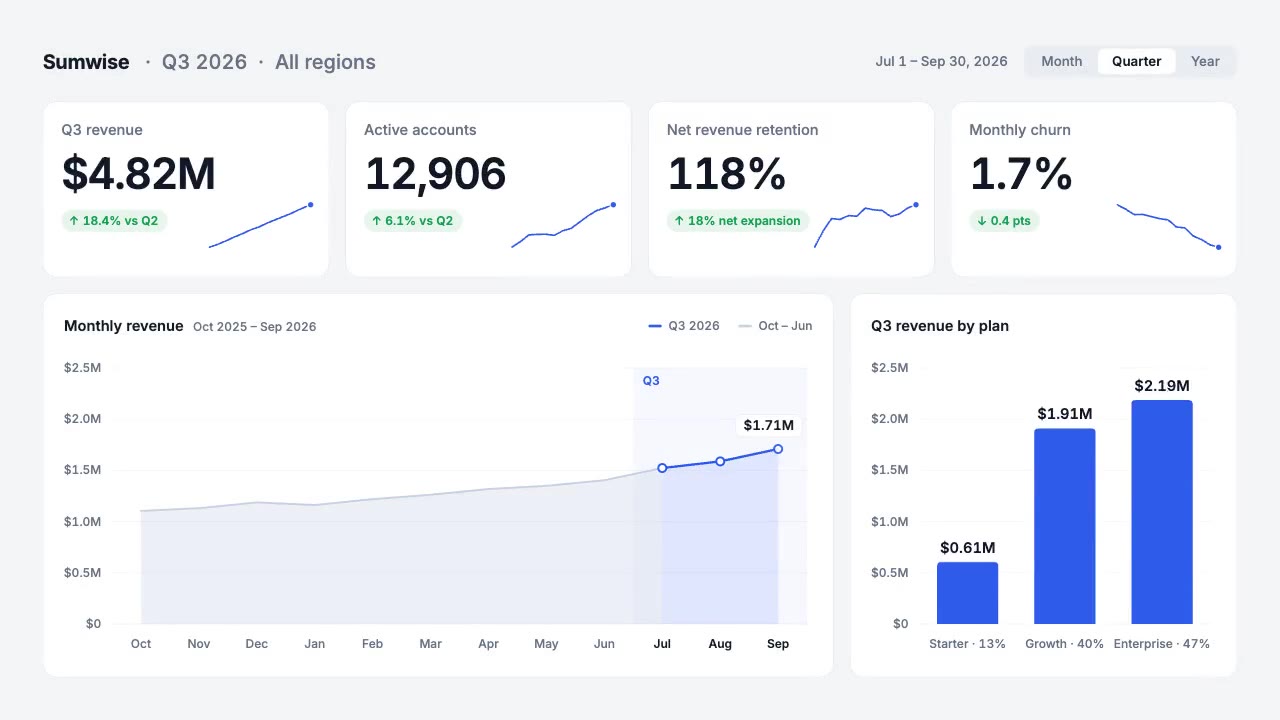
A light analytics dashboard builds itself from fictional data that adds up: counters roll on tabular figures, sparkline…
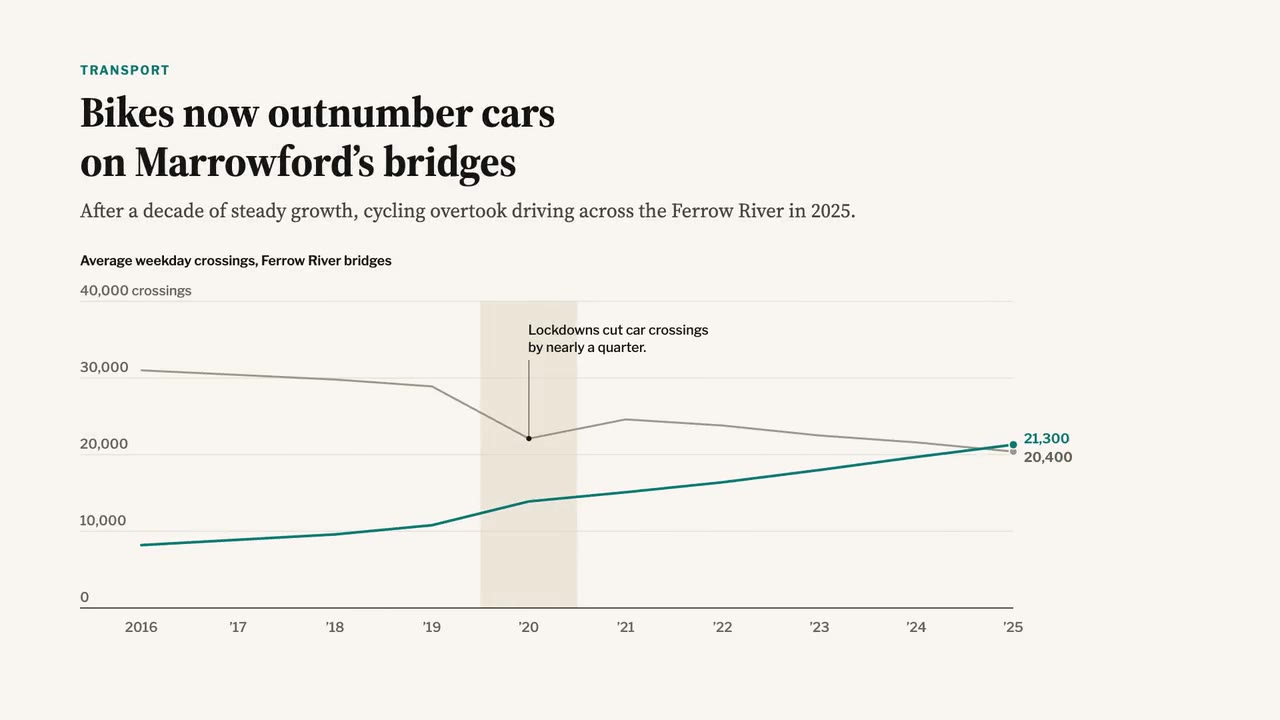
A newspaper-grade animated chart: serif headline and dek, a two-line chart that draws year by year, a shaded 2020 band,…
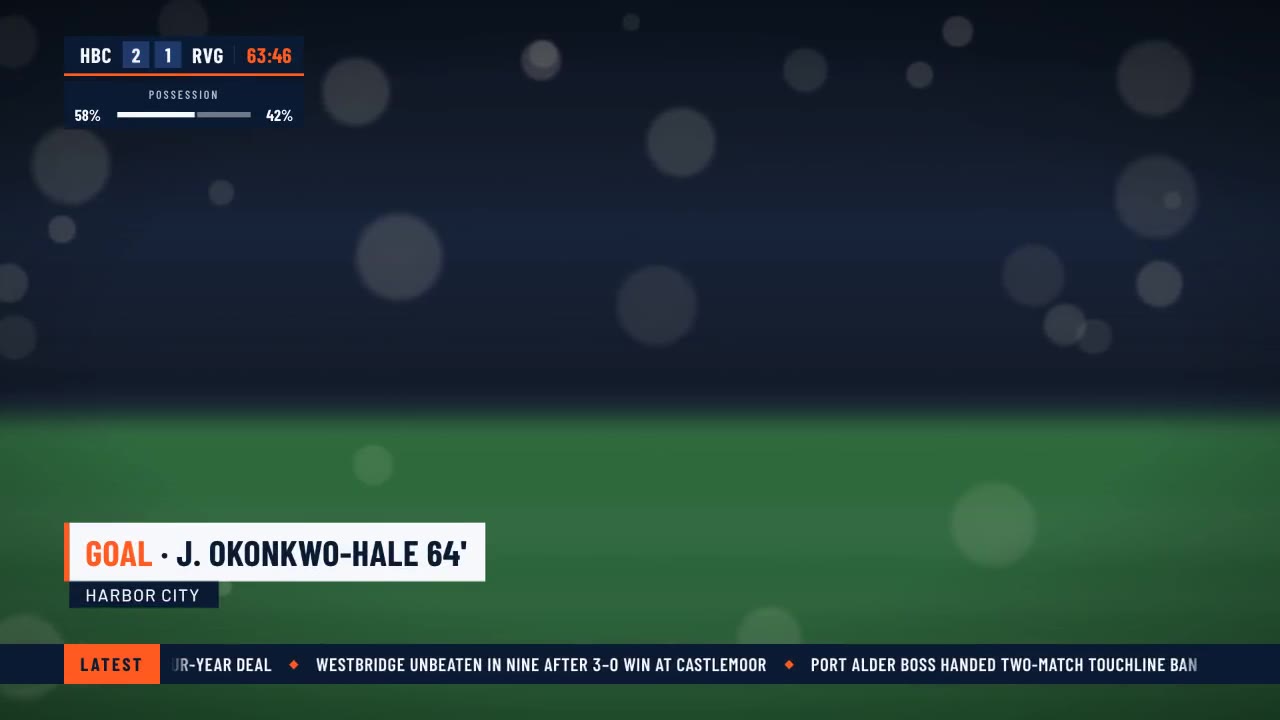
A crisp live-sports graphics package over a soft-focus stadium feed: score bug with running clock, layered lower third,…
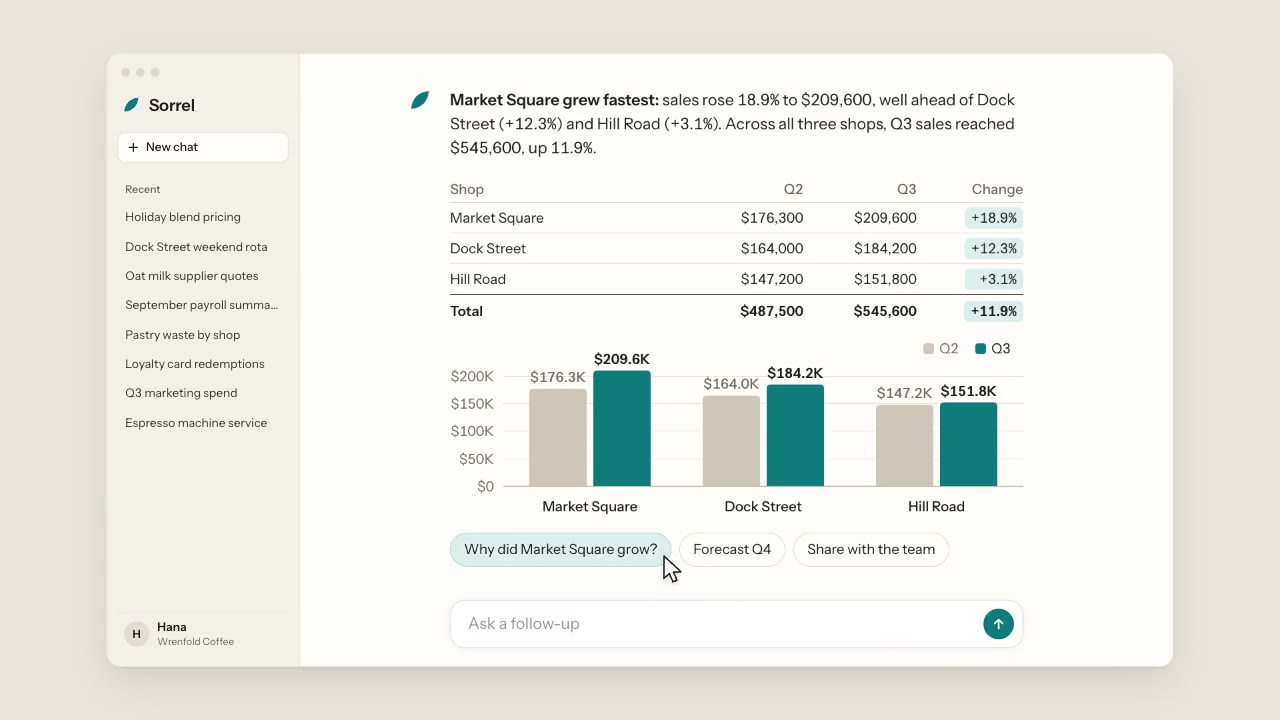
A warm, light chat app: a cursor types a question about three coffee shops, the assistant streams its answer word by wo…
More like this on the motion design inspiration board: UI animation inspirationData visualization inspiration