
Memphis Pattern Pop
A loud Memphis-style title card: clashing pastel and primary shapes with thick black outlines, squiggles, terrazzo and dot grids spring into place around chunky, multicolored type.
Written and rendered by AI CSS Animations Oct 12, 2026
- Type
- prompt
- Made with
- Claude Opus 5.5 in Claude Code
- Built in
- HTML/CSS
- Topics
- Shapes · Kinetic type
About this style
The Memphis Group was a design collective formed in Milan in the early 1980s around Ettore Sottsass. Rejecting minimalist good taste, it combined clashing pastels and primaries, patterned laminates, squiggles and toy-like geometric forms in furniture and objects. Its irreverent look defined much of 1980s visual culture and returns whenever brands want to feel playful and loud.
The prompt
Make a 10-second Memphis Group-style title card.

<inputs>
Brand: WONDERLOOP. Tagline: "Serious about play." Three words: Bold, Odd, Bright. Duration: 10s. If I don't give you something, use the default and don't ask.
</inputs>

<direction>
Palette: ground #FFF6E9, black #111111, pink #F7A1C4, mint #76D7C4, lemon #FFE04A, cobalt #2C44D8, tomato #FF5A36, lilac #B9A6F2. Clash on purpose: pastels against cobalt and tomato.
Type: Rubik 900 for the name (200px, tracking -0.02em), Rubik 700 for everything else. Each letter of the name takes a different palette color with a 5px black outline and a 10px hard shadow.
Shapes: circles, triangles, half-circles, zig-zag strips, thick black squiggles (10px, round caps), confetti dashes, dot grids (10px dots at 40px pitch) and terrazzo fills (a seeded scatter of small colored chips). Solid shapes get a 6px black stroke and a 14px black offset shadow down-right with no blur. Arrange them loosely around the edges, tilted 8–20° and overlapping, leaving a clear central zone for type. Use inline SVG for squiggles and patterns.
Motion is toy-like and springy. Pops use spring(s) = 1 − e^(−8s)·cos(15s), where s is seconds since that element started (about 19% overshoot, settled by 0.6s), applied to scale from 0 and to rotation from −25° to the rest tilt. Squiggles draw via stroke-dashoffset on cubic-bezier(0.65, 0, 0.35, 1). A hop is a squash to 0.9 that springs back. Real Memphis is confident, architectural clashing; the cheap version is random confetti on white with a gradient font.
Banned: gradients, blur, soft shadows, thin outlines, muted or earthy palettes, serif type, realistic textures, everything neatly aligned, motion that never settles.
</direction>

<structure>
0.0–0.6s: a dot grid wipes diagonally into the top-right corner; seeded confetti dashes scatter in at lower left.
0.6–1.7s: five big shapes pop in on the spring, 150ms apart: a cobalt circle cropped by the top-left edge, a pink triangle filled with black squiggles, a lemon zig-zag strip, a mint terrazzo rectangle tilted 12°, a tomato half-circle at bottom right.
1.7–2.4s: one long black squiggle draws along the bottom edge, partly cropped.
2.4–3.6s: the name pops in letter by letter, 50ms apart, each with a seeded ±5° tilt.
3.6–4.8s: the shapes take turns hopping, one every 0.24s, clockwise around the frame.
4.8–5.8s: the tagline rides in from the right on a lilac ribbon tilted −4°, springing into place below the name.
5.8–7.2s: the three words pop in as pill stickers (pink, mint, lemon), 0.2s apart, tilted alternately ±6°.
7.2–7.8s: one last hop from the cobalt circle.
7.8–10.0s: hold, everything settled.
For other durations, scale every timestamp proportionally.
</structure>

<build>
One self-contained index.html, CSS and JS inline. Google Fonts via <link> are fine; no other libraries (no three.js: this style is flat). Use absolutely positioned elements, setting transforms, clip-paths and opacity from seek. The stage is 1920×1080 (16:9), scaled to fit the window. Design for 60fps. window.seek(t), t in seconds, must compute every visual from t alone: no CSS transitions or animations, no setTimeout or setInterval, no state carried between frames, and randomness only from a seeded PRNG. Without ?render in the URL, drive seek from requestAnimationFrame so it plays in a browser (loop after a 1s end hold); with ?render, don't start that loop.
</build>

<check>
Before showing me, step through one frame per second: screenshot each and look at it. Fix overlaps, clipped or cramped text, accidental edge collisions, and anything off-style or Banned. Check the type zone stays clear and every spring settles before the hold. Confirm seek(duration) and seek(duration + 1) match, so the final frame holds.
</check>
Ours, and free to use under CC0: copy it, change it, ship it. No credit needed.
Similar prompts
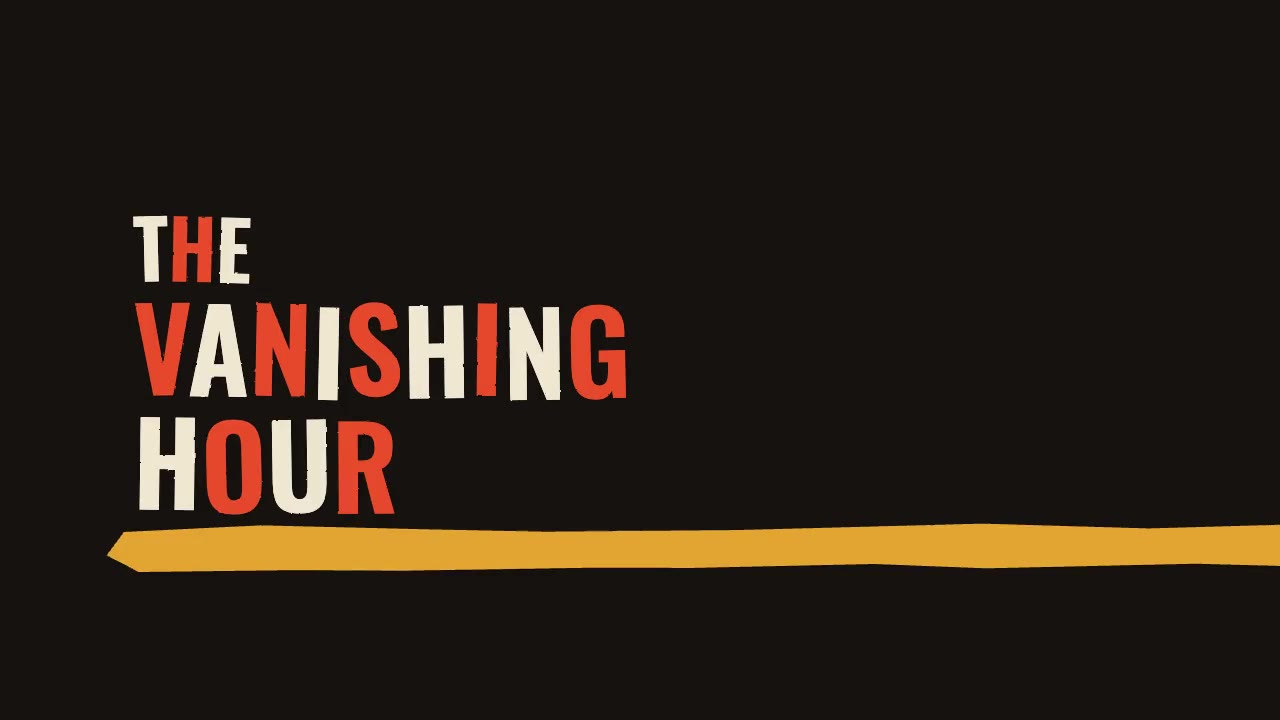
A jazz-tempo film title sequence in flat vermilion, mustard, bone and black: hand-cut paper shards jab in on the beat,…
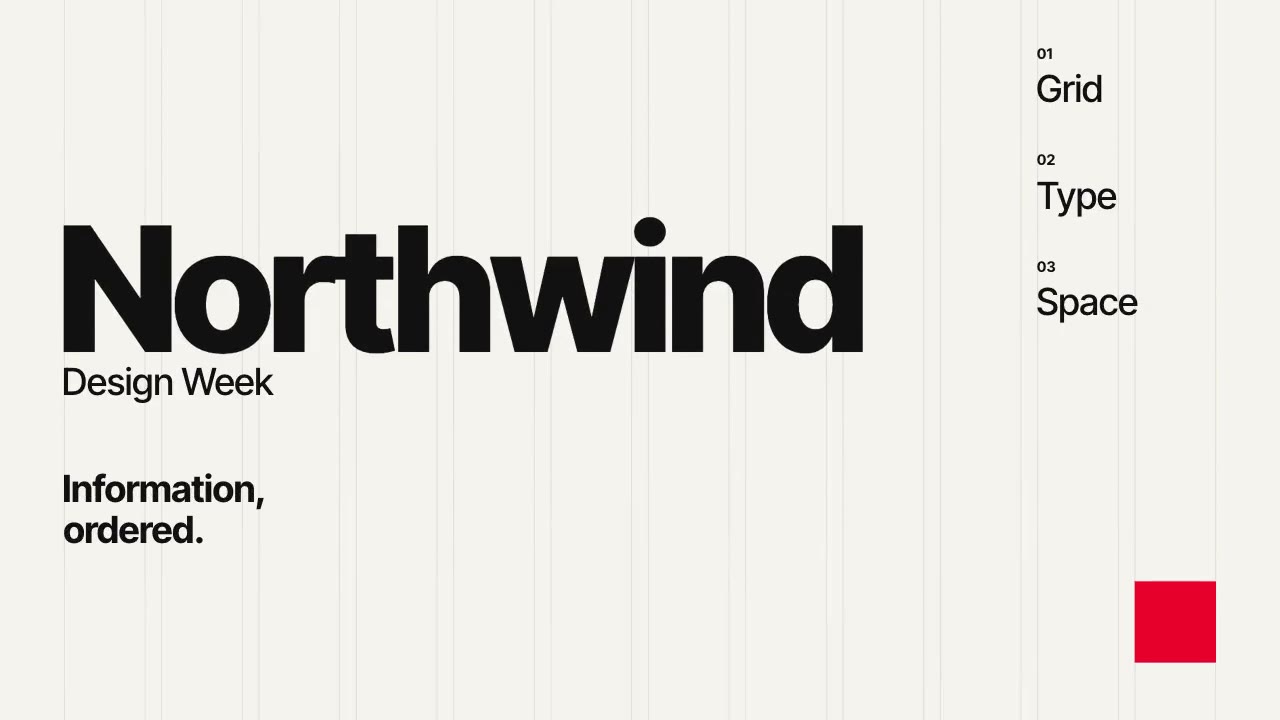
A Swiss-style event poster that builds itself on a visible 12-column grid: grotesque type rises out of baseline masks,…
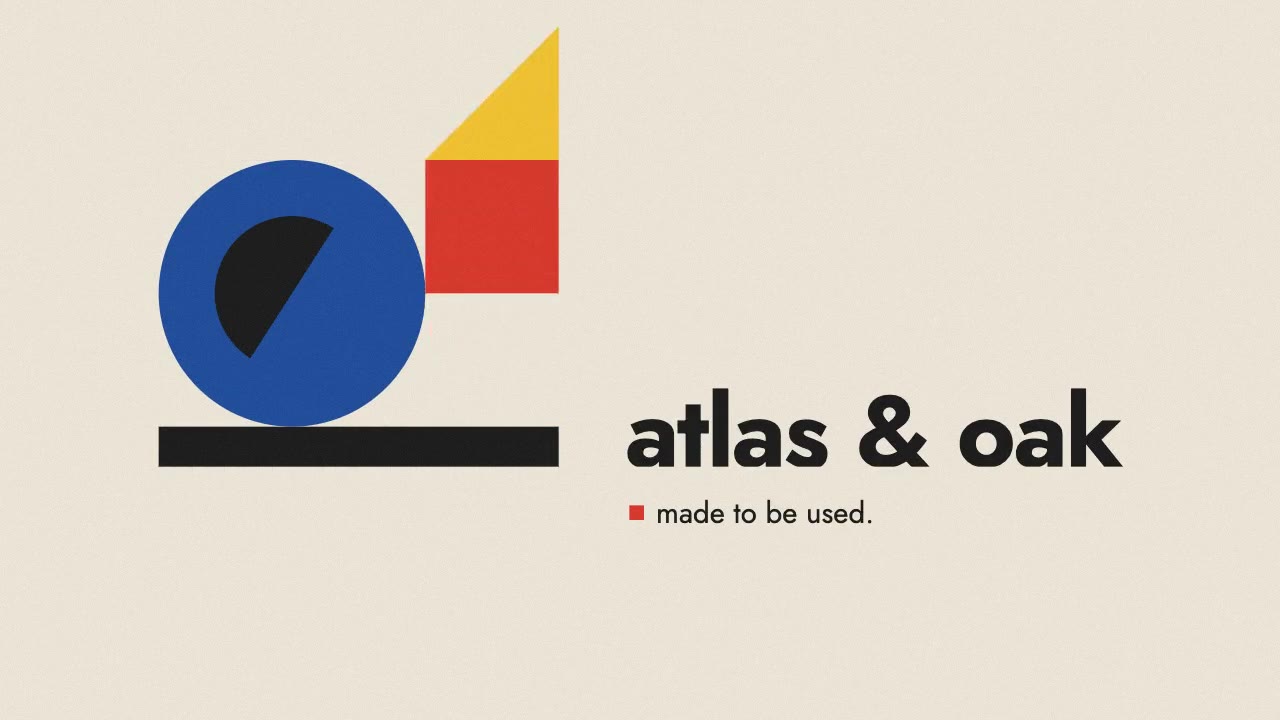
A primary-colored circle, square and triangle roll, drop and turn into place on a black bar, assembling a constructed B…
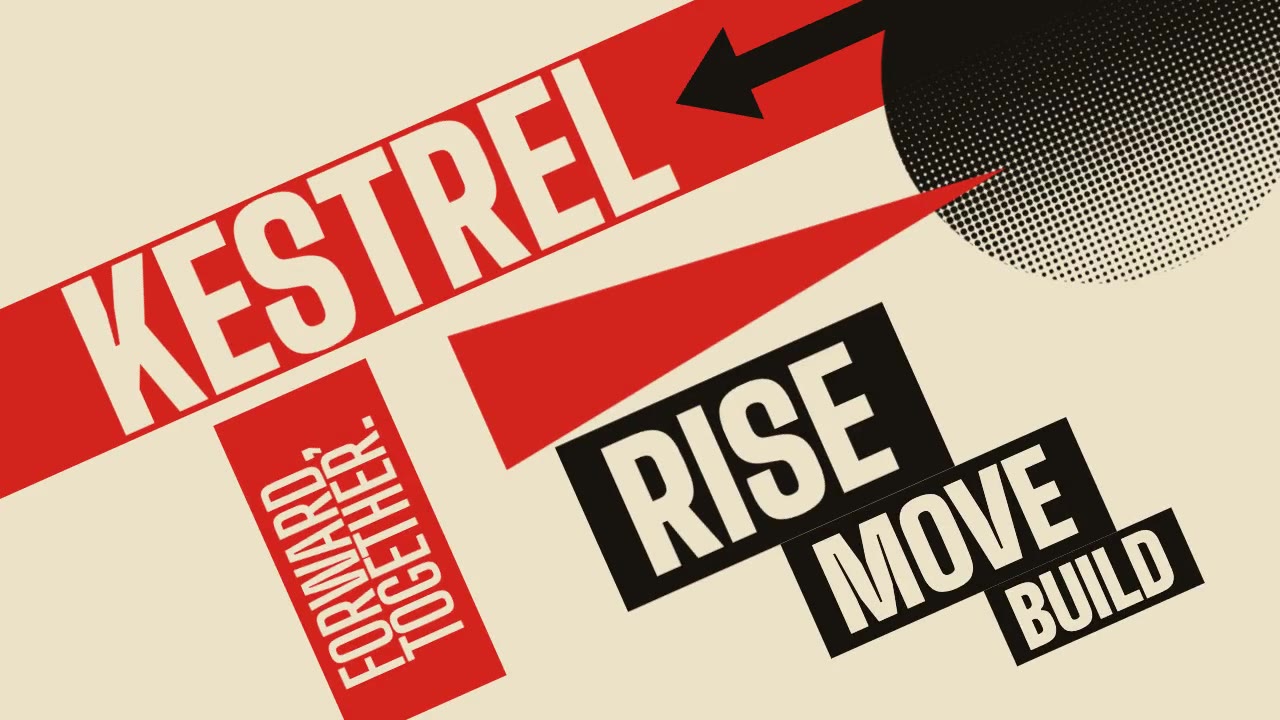
A Constructivist poster in motion: red bars, a wedge piercing a black circle, halftone fields and condensed uppercase t…