
Keynote Product Reveal
A device built in three.js rises out of total darkness while a softbox reflection glides along its titanium edge, then a giant, quiet headline lands. Long lens, one light, long holds.
Written and rendered by AI CSS Animations Oct 12, 2026
- Type
- prompt
- Made with
- Claude Opus 5.5 in Claude Code
- Built in
- three.js
- Topics
- 3D · Phone
About this style
The keynote reveal treats a product like a sculpture on a dark stage: one object, one light, and a camera that moves slowly enough to feel expensive. Its principles are restraint and patience: highlights that travel across real materials, generous holds, and a headline of very few words. Hardware and consumer-tech brands use it because it makes a physical object feel precious and lets the product speak before the copy does.
The prompt
Make a 10-second keynote-style reveal: a device rises from darkness into a sweep of light, then a giant headline lands.

<inputs>
If I don't give you something, use the default and don't ask.
- Product: Halcyon One
- Device: phone (or laptop, watch)
- Headline: "Barely there."
- Subline: "Halcyon One. 5.1 mm of titanium."
- Finish: graphite titanium #3A3D42
- Length: 10 seconds
</inputs>

<direction>
- Palette: stage #000000, device #3A3D42, glass #050608, headline #F5F5F7, subline #86868B. The only color is a faint cool rim light, #A9C1FF.
- Type: headline in Inter Tight 600, 168px, −0.035em, one line; subline in Inter 400, 40px; both centered in the lower third.
- The device is real 3D: a RoundedBoxGeometry body (phone: 0.78 × 1.6 × 0.07, radius 0.11) in MeshPhysicalMaterial (metalness 1, roughness 0.3, clearcoat 0.5), an inset glass face with a CanvasTexture screen you draw (a #0B1530 → #2B1B4D wallpaper, a large clock reading 7:30), and a side button plus hairline antenna breaks for the highlight to catch.
- The sweep is a reflection, not a moving lamp: build an environment once (PMREMGenerator.fromScene) from a tiny black scene holding one long emissive softbox and a dim fill panel, then yaw the device slowly so the softbox glides along its edges. A SpotLight from above adds a rim; ACESFilmic tone mapping.
- Camera: a 26° field of view (telephoto), pushing in about 8% over the whole piece.
- Easing: rise cubic-bezier(0.16, 1, 0.3, 1) over 2–2.6 s; turns cubic-bezier(0.45, 0, 0.15, 1); text fades up 24px in 0.9 s on cubic-bezier(0.22, 1, 0.36, 1). Nothing bounces; one thing moves at a time.
- Premium is darkness, restraint and long holds. Generic is a spinning product and filled silence.
Banned: lens flares, bloom on text, gradient text, particles, more than 50° total rotation, bouncy easing, shadows on type, emoji, real brand names.
</direction>

<structure>
- 0.0–1.0: Black. A thin sliver of reflected light fades in where the device will stand.
- 1.0–3.4: The device rises to center, yaw −38° → −14°; the highlight runs along its edge.
- 3.4–5.2: It turns toward camera (−4°) and the screen wakes over 0.6 s.
- 5.2–6.2: The camera eases back; the device drifts into the upper 60% of frame.
- 6.2–7.2: The headline fades up below; the subline follows 0.4 s later.
- 7.2–10.0: Hold. Only the highlight creeps (2° more yaw) and the push continues.
For other lengths, scale beats proportionally; keep the rise and final hold at least 2 s each.
</structure>

<build>
- One self-contained index.html (inline CSS and JS) with a fixed 1920×1080 (16:9) stage scaled to fit the window; design for 60fps.
- window.seek(t), t in seconds, sets every visual from t alone: no CSS transitions or animations, no setTimeout/setInterval, no state carried between frames. Randomness comes from a seeded PRNG; springs are closed-form functions of time.
- Without ?render in the URL, drive seek from requestAnimationFrame so it plays in a browser; with ?render, don't start that loop.
- Google Fonts via <link> are fine. Real 3D is needed here: three.js at a pinned version from a CDN via an import map (with the RoundedBoxGeometry addon); call renderer.render at the end of every seek. Text is HTML on top.
</build>

<check>
Before showing me, screenshot seek(0) through seek(10), one frame per second, and look at each. Fix overlaps, clipped or cramped text, and anything generic. The highlight must not blow out to flat white, the silhouette must read against black, and the headline must clear the device. Confirm the final frame holds.
</check>
Ours, and free to use under CC0: copy it, change it, ship it. No credit needed.
Similar prompts
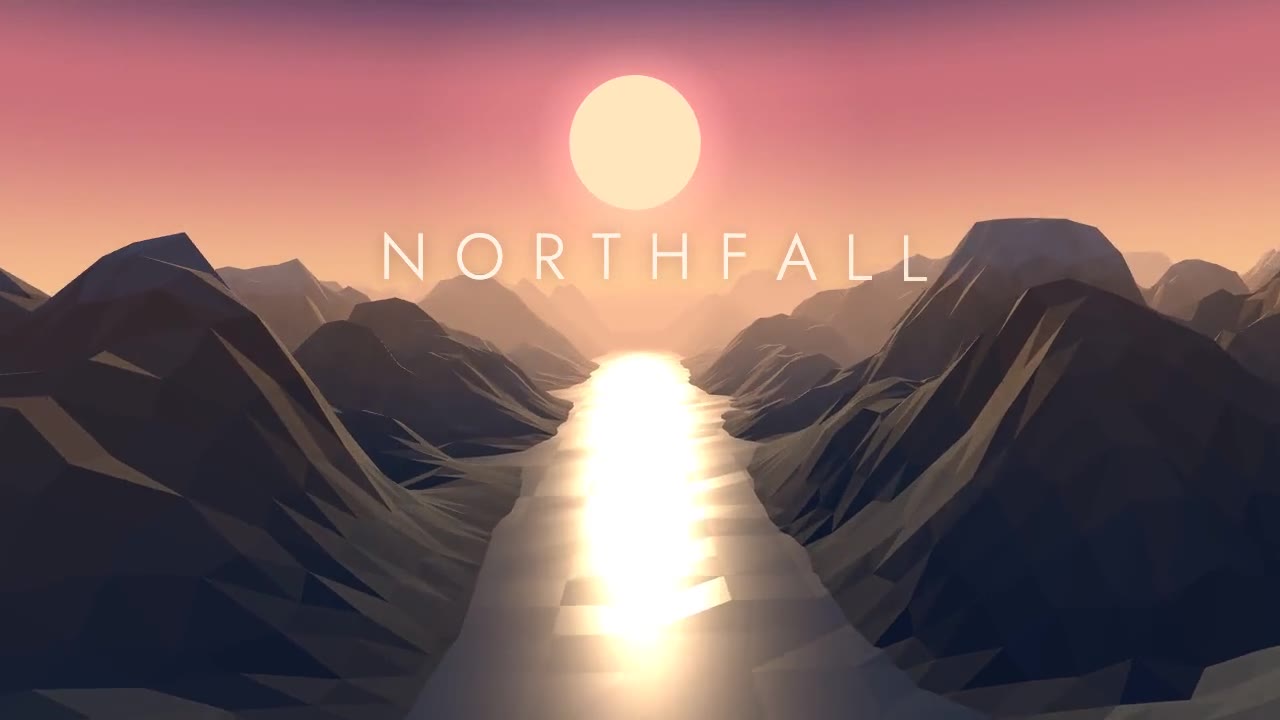
A slow golden-hour glide down a faceted valley: flat-shaded ridges, a low sun, fog melting the far range into the horiz…
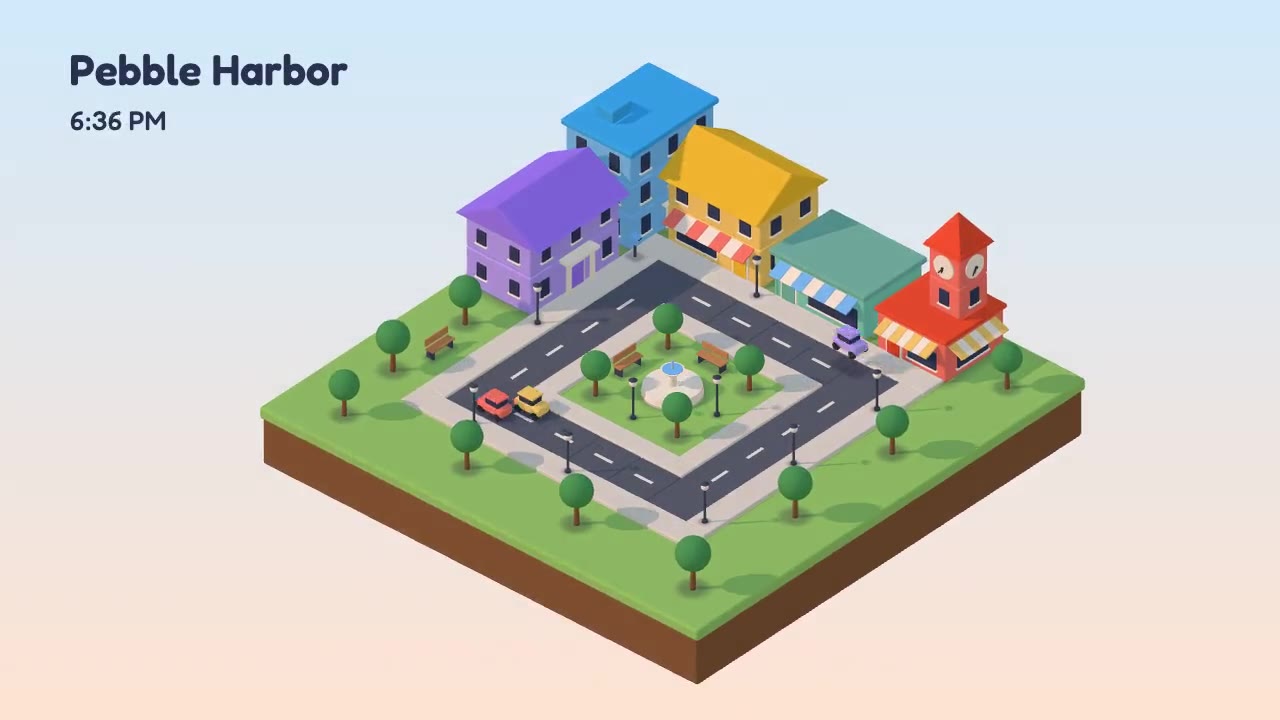
A toy-like isometric city block that builds itself on a floating slab: bevelled buildings rise floor by floor, cars loo…
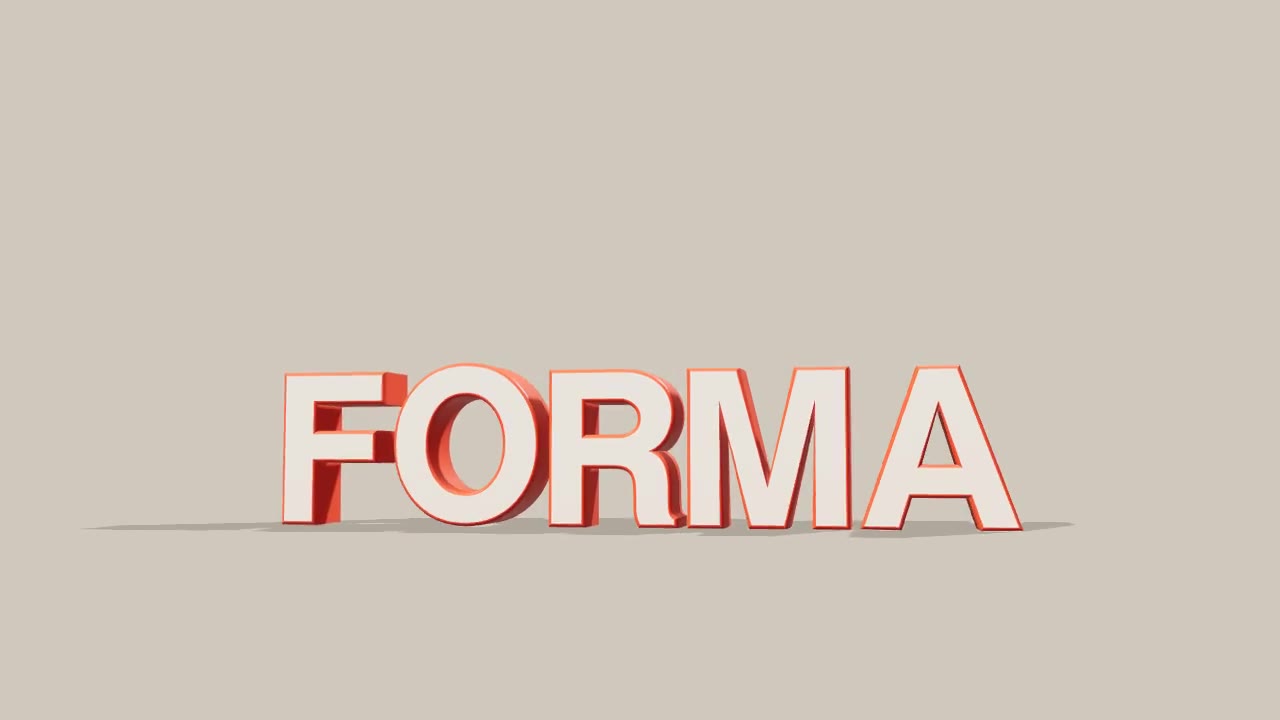
Chunky two-tone 3D letters swing into place one by one on a seamless studio sweep, lit like a product shot with soft sh…
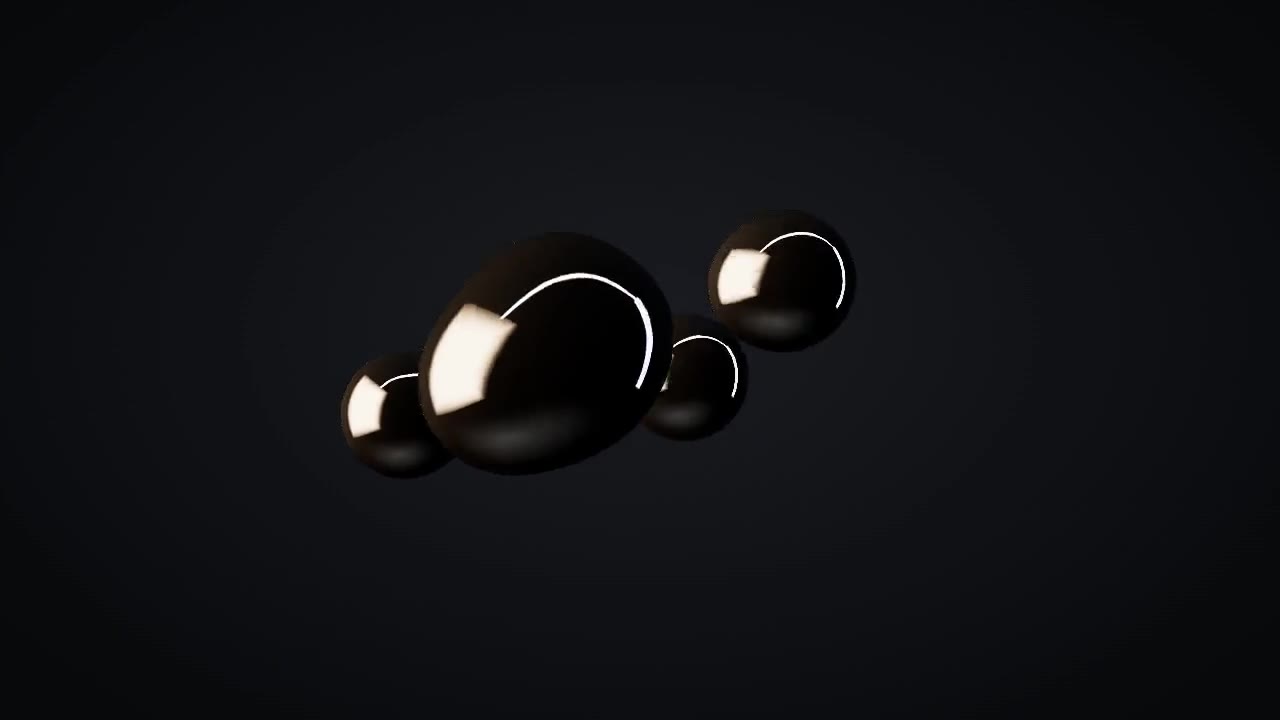
A mirror-chrome metaball mass floats in a dark studio, buds into droplets that orbit and fuse with surface tension, the…