
Blog · · Maxwell Prehoda
Animation Inspiration: An Endless Board and 12 Pieces to Study
For animation inspiration, open our inspiration board and start dragging. It's 320 animations made with Claude on one board with no edges, every one playing as it slides into view, and every one a click away from the prompt that made it.
Below: how to use it, a page for every style, and twelve pieces worth studying, with the one thing to take from each.
Animation inspo you can watch, not read
A list of titles and still thumbnails doesn't work for motion. A still frame tells you almost nothing about an animation. The timing is the whole point, and you only see it when it moves.
So everything on our board moves. How to use it:
- Drag, scroll or use the arrow keys. It keeps going in every direction.
- Click anything to open its entry: the video, the full prompt and a copy button.
- Press F to filter by style.
- Open the (i) panel to see every style and how many pieces it has.
If your system asks for reduced motion, pieces play only when you point at them. Only the tiles on screen load video, so it stays smooth however far you go.
Animation inspiration by style
Every style with enough pieces has its own page, which opens the board already filtered. The biggest groups right now are 3D motion design, kinetic typography and motion graphics.
- 3D motion design inspiration (86)
- Kinetic typography inspiration (85)
- Motion graphics inspiration (81)
- UI animation inspiration (49)
- Line art animation inspiration (39)
- Particle animation inspiration (33)
- Explainer video inspiration (31)
- Data visualization inspiration (30)
- Character animation inspiration (29)
- Logo animation inspiration (25)
- Diagram animation inspiration (17)
- Map animation inspiration (14)
- Music video inspiration (10)
- App animation inspiration (10)
- Code animation inspiration (8)
- Landing page animation inspiration (8)
Link straight to the page for the kind of motion you're after. It's easier than telling someone to "go find the 3D ones".
Twelve pieces worth studying
Don't study these for the subject. Study them for one decision each. That's the part you can take into your own work.
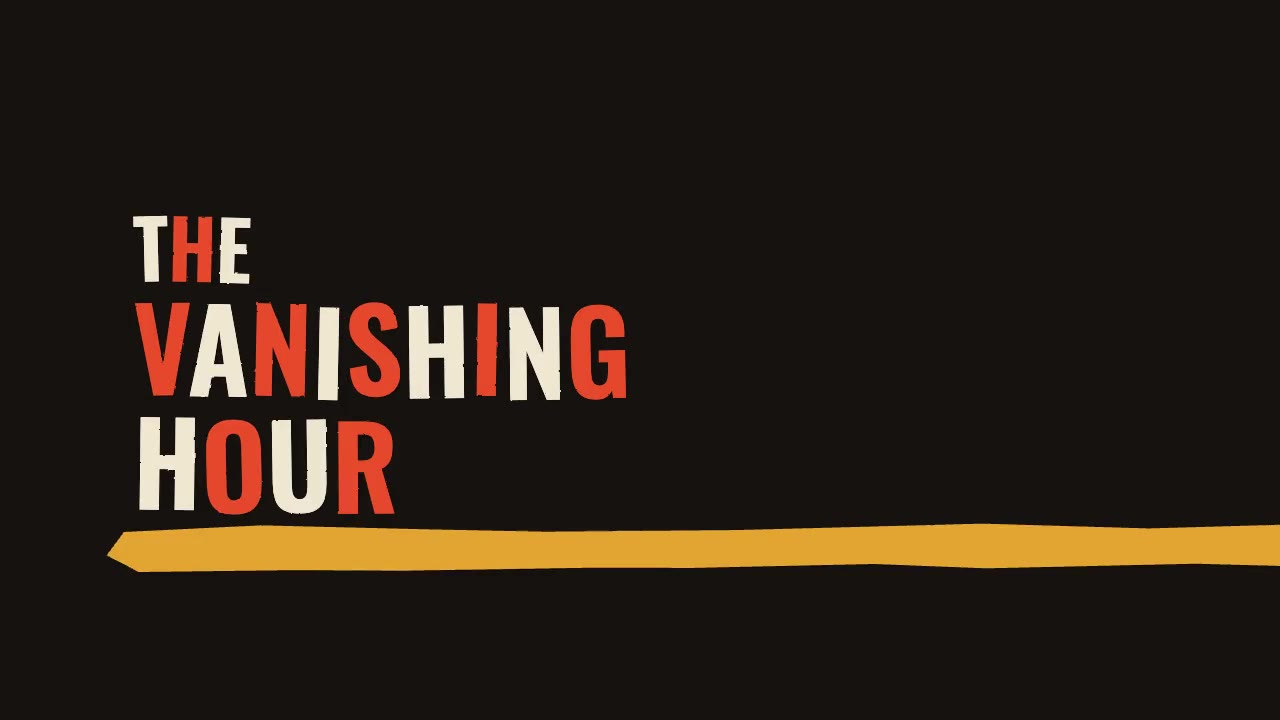
Cut-Paper Title Sequence
Every cut lands on a 132 BPM beat. Watch it for the timing, not the paper.
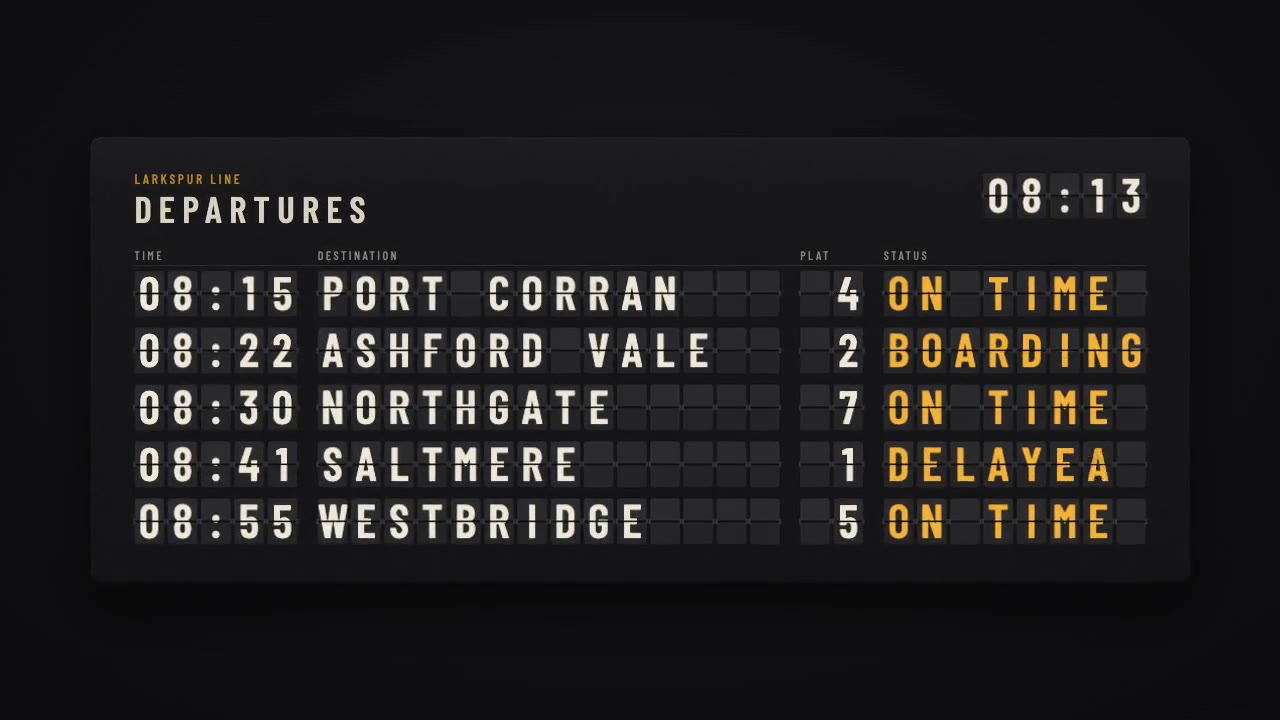
Split-Flap Departure Board
Flaps step through the drum instead of fading in. Mechanical motion feels real because it has rules.
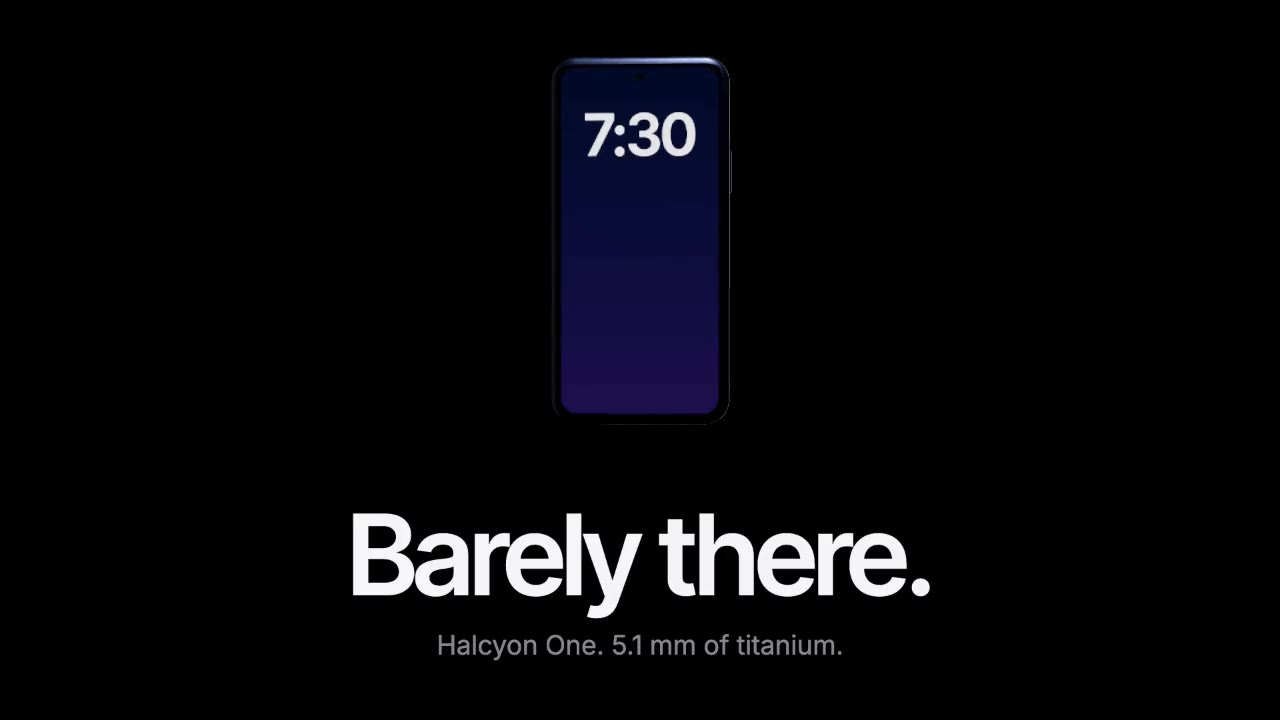
Keynote Product Reveal
One light, long holds and a headline that waits its turn. Slow reads as expensive.
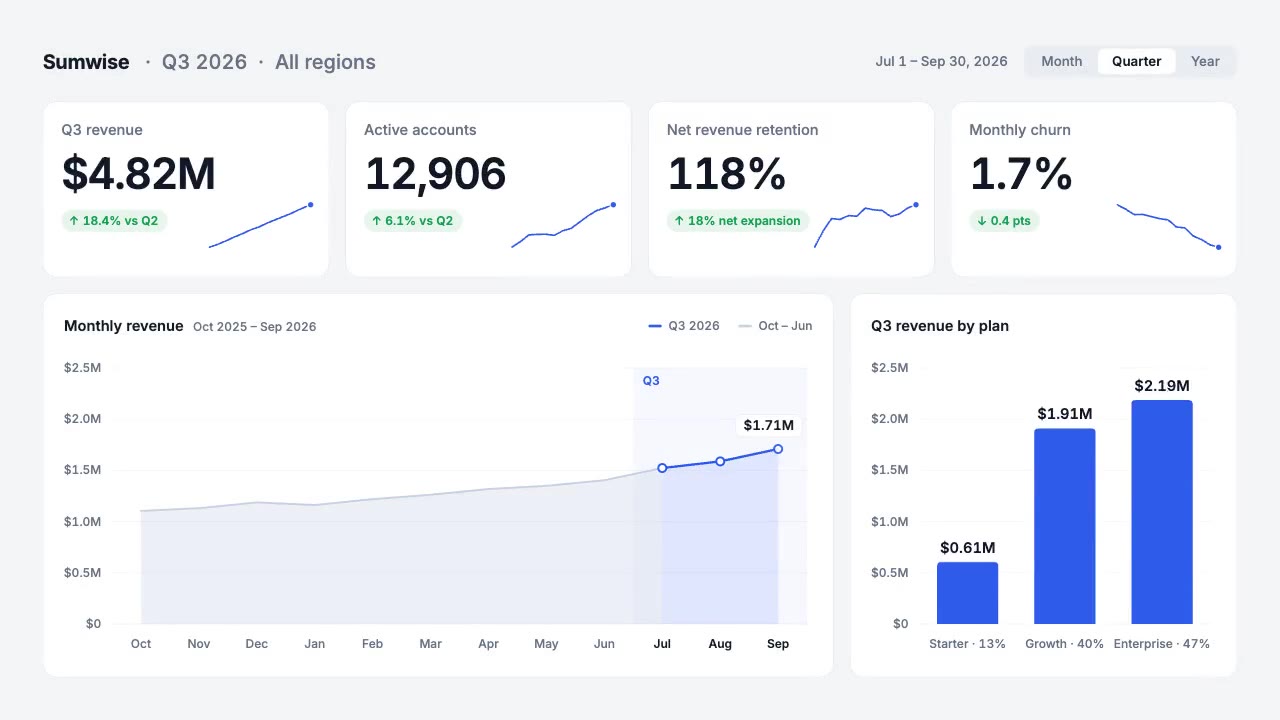
KPI Dashboard Reveal
The made-up numbers add up. Viewers notice when they don't.
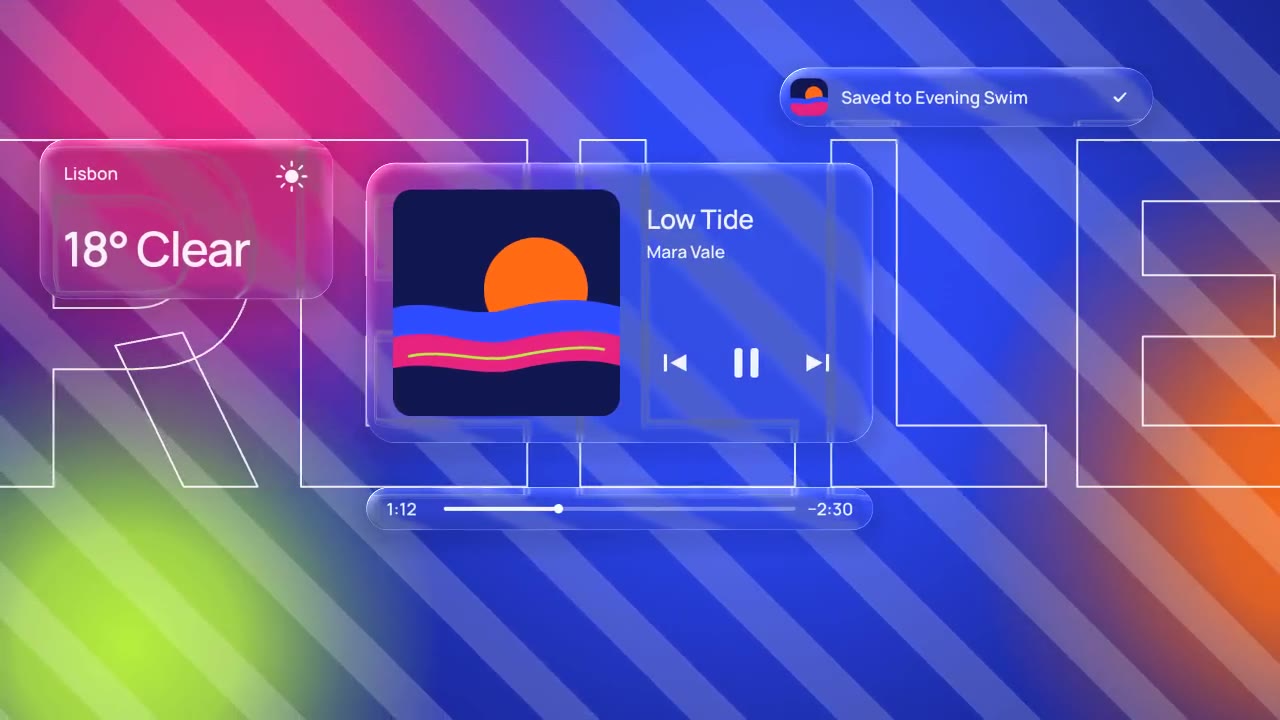
Liquid Glass Interface
Refraction only shows when there's something behind the glass to bend, so the background does half the work.
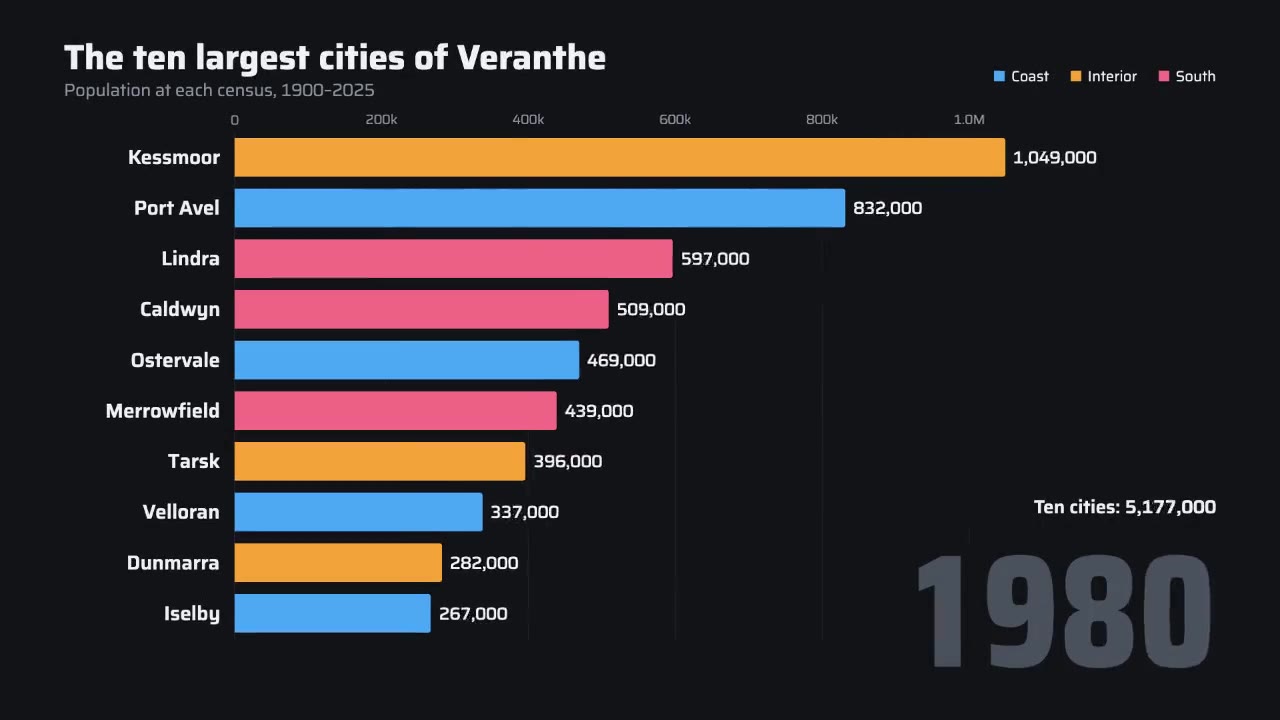
Bar Chart Race
Ranks swap and the scale eases as the leader grows. Steal the axis, not the bars.
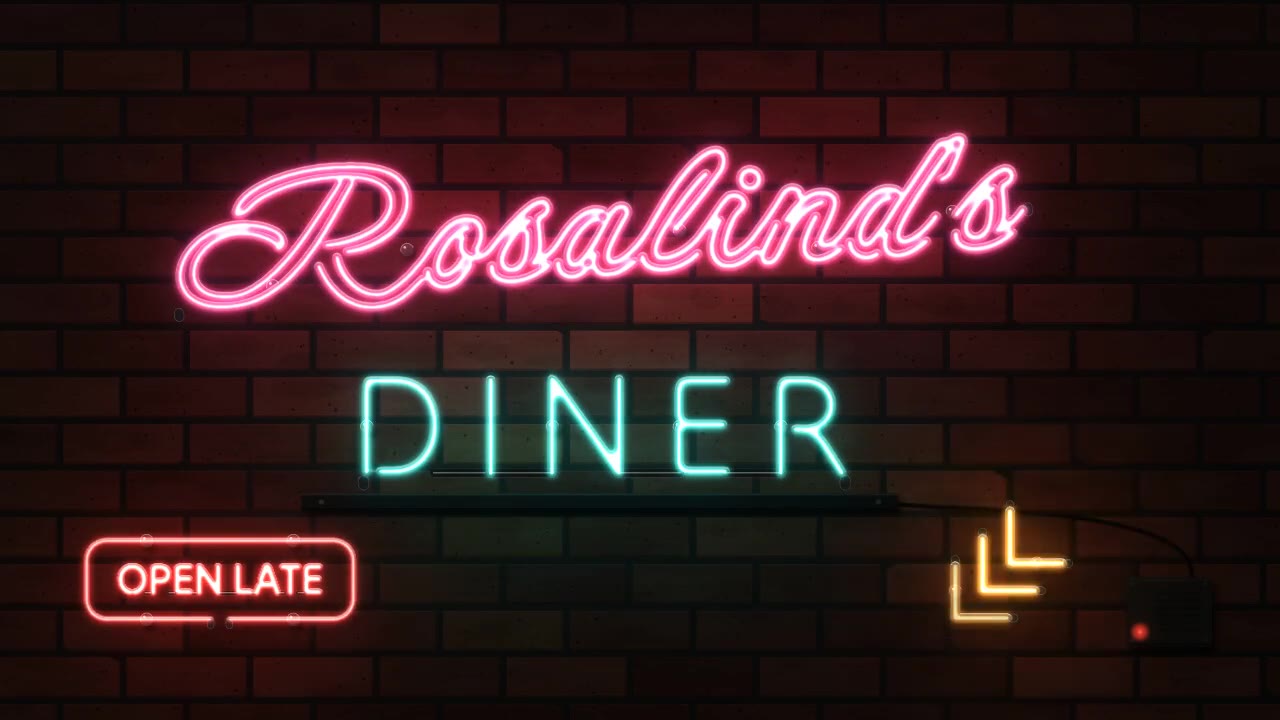
Neon Sign
Each tube lights the bricks around it. Light that touches the scene is what sells it.
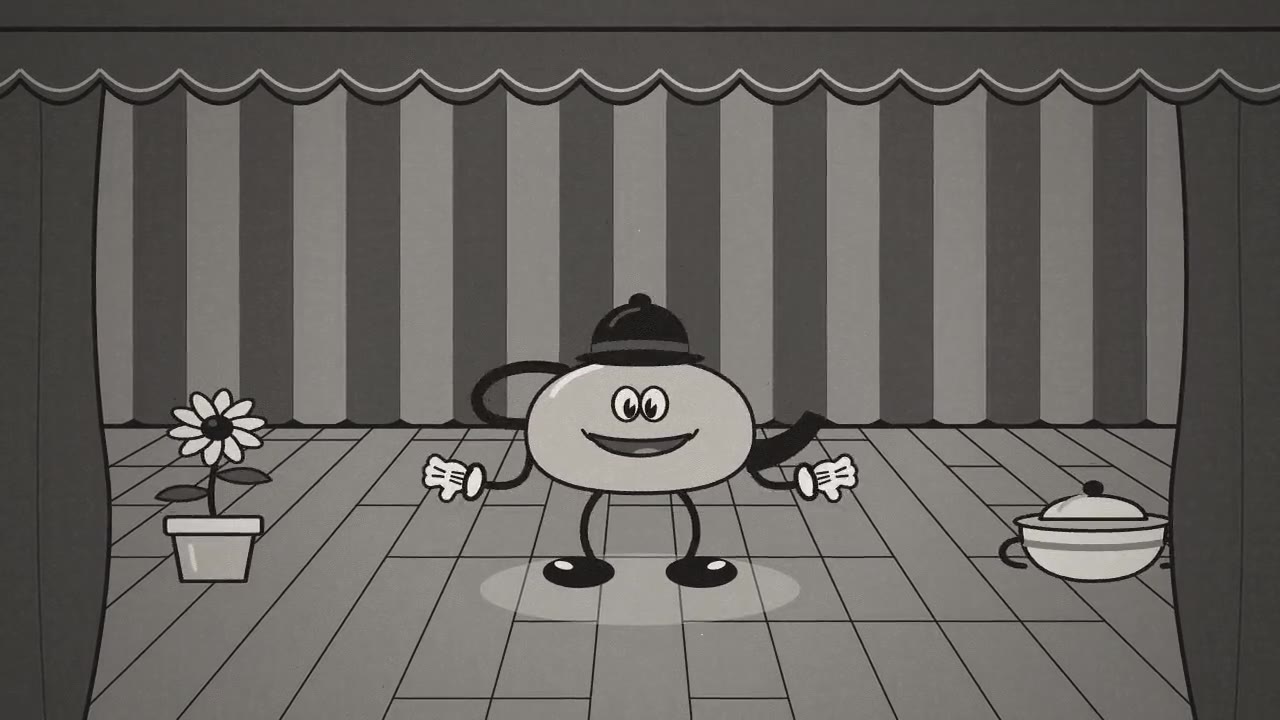
Rubber Hose Cartoon
Animated on twos, with grain and gate weave. Code can act, not just slide boxes around.
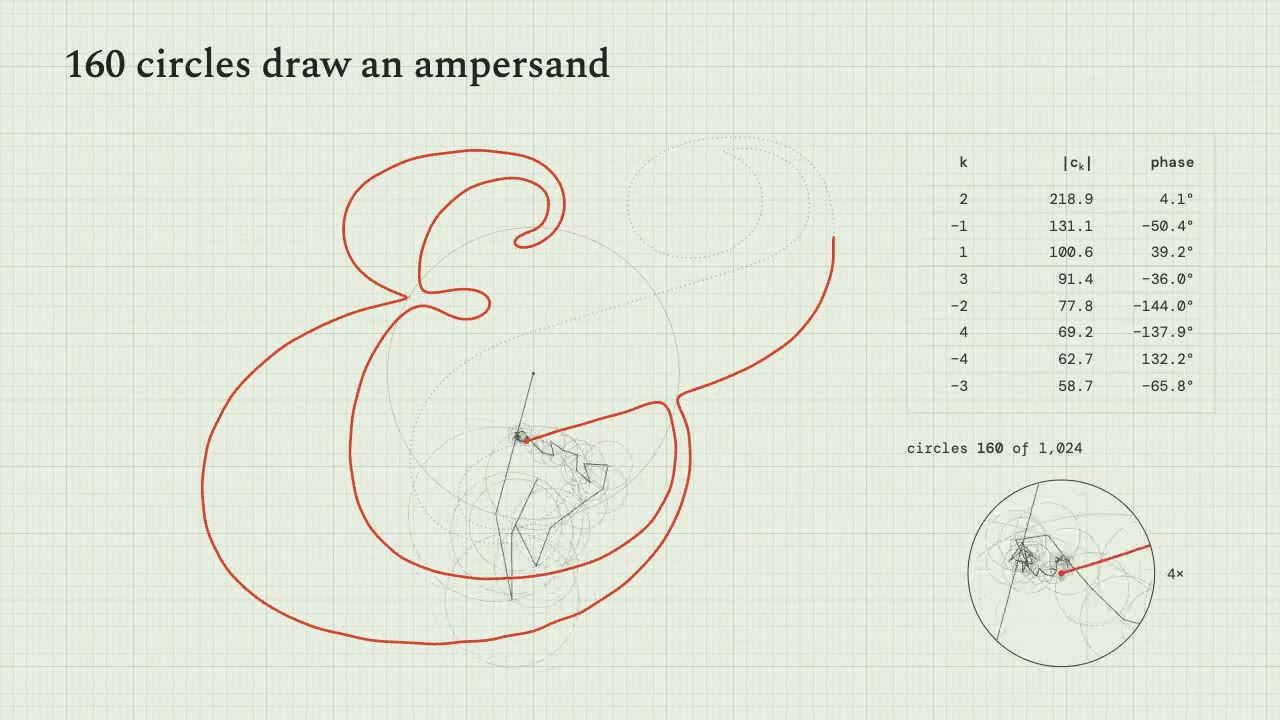
Fourier Epicycles
Circles on circles draw one ampersand. Maths makes great motion when you show it plainly.
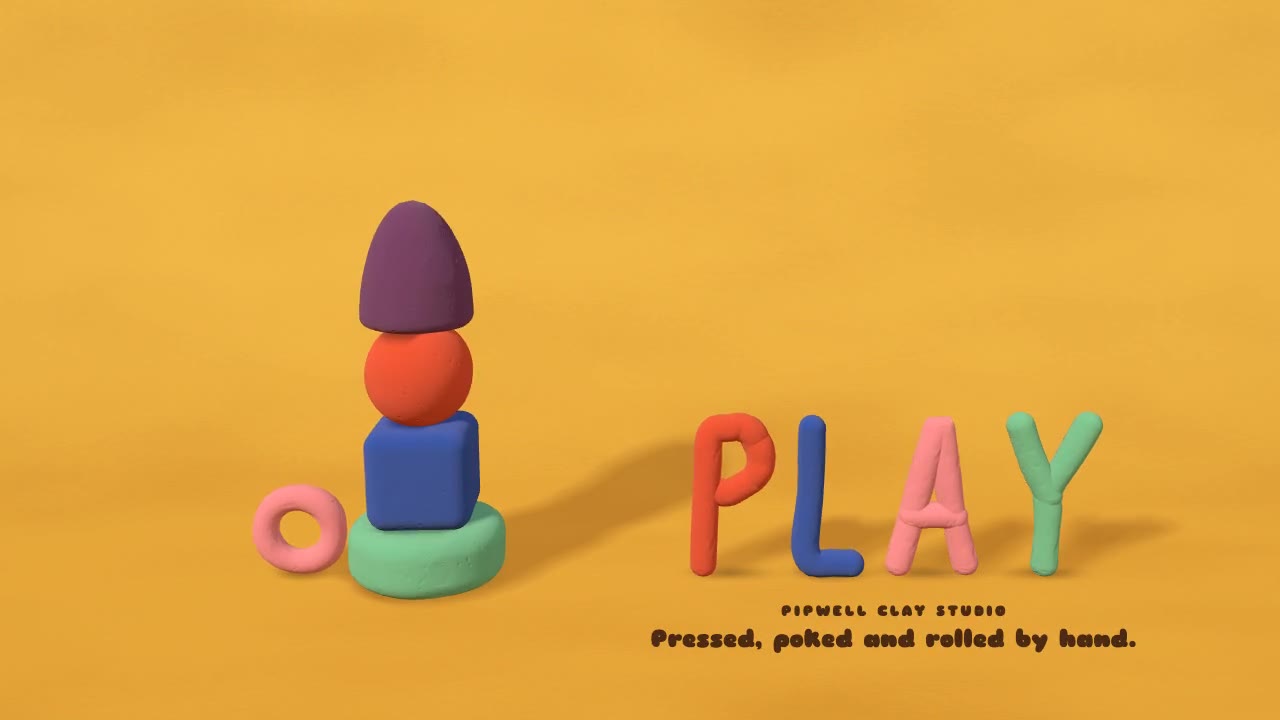
Claymation Shapes
Stepped on twos, thumbprints left in. The imperfection is the style.
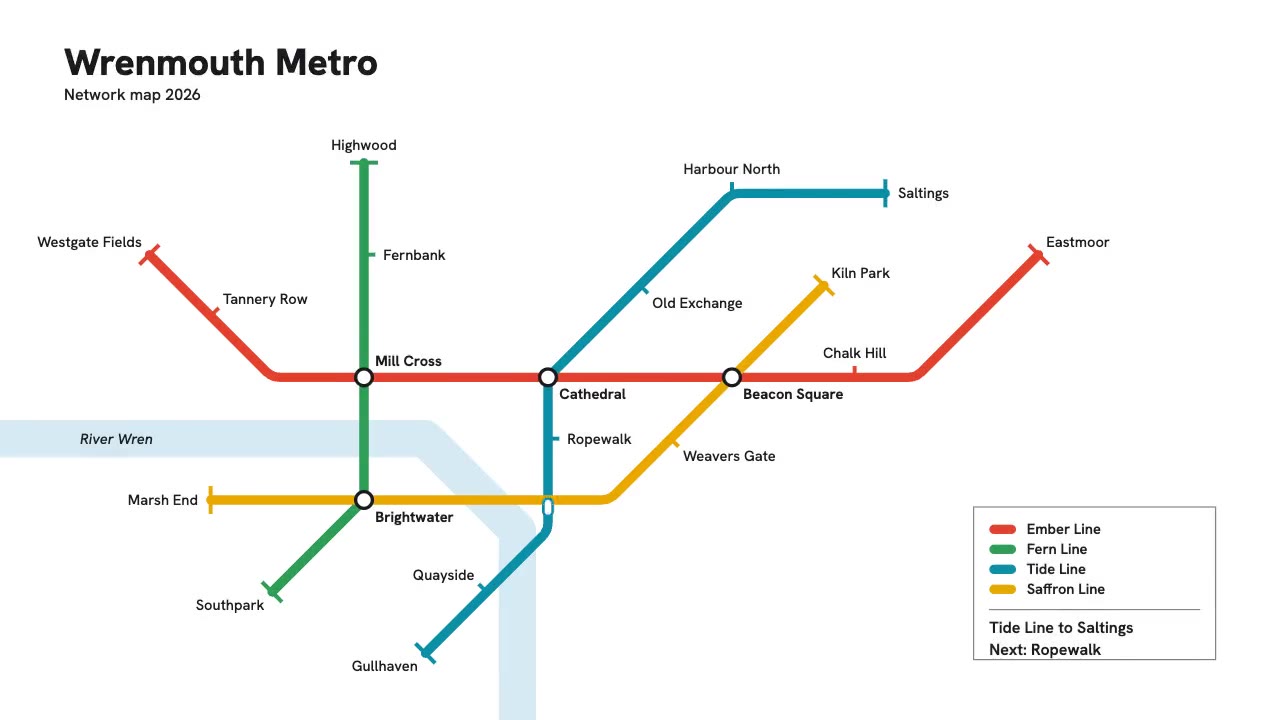
Transit Map
Lines only run at 0, 45 and 90 degrees. One hard rule makes a busy diagram readable.
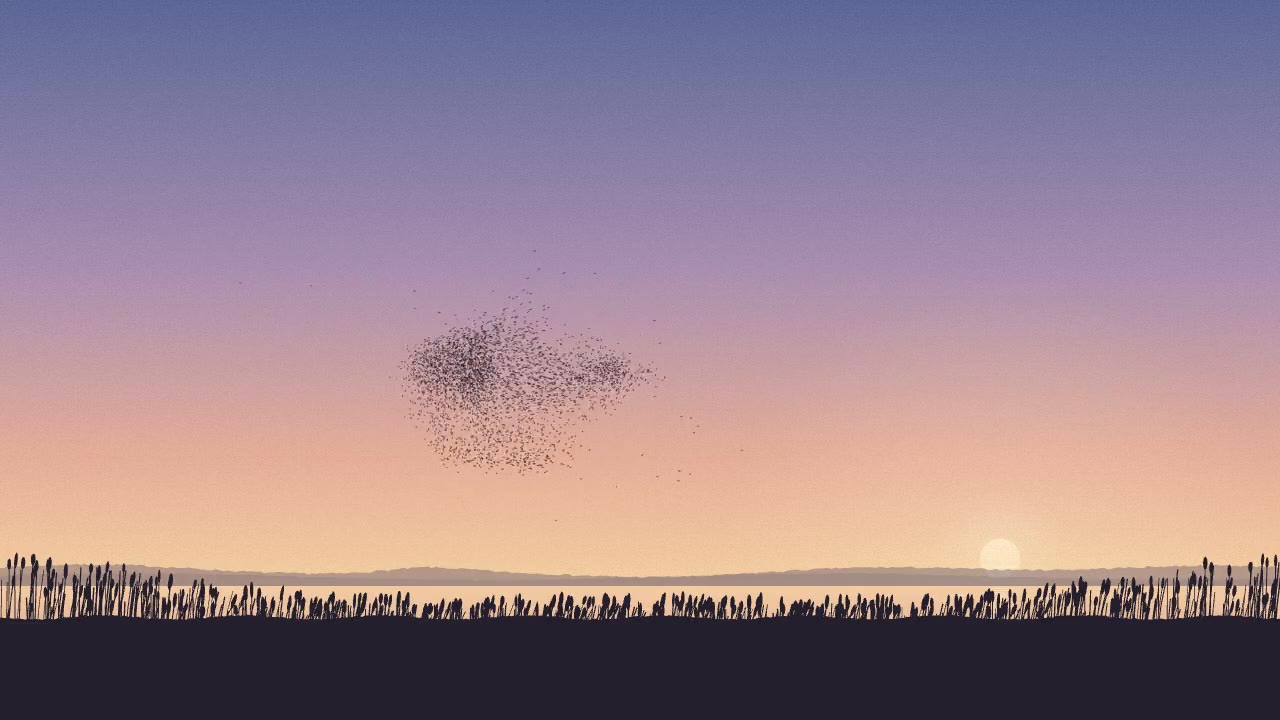
Starling Murmuration
Nobody animated a single bird. Each follows simple rules and the shape appears on its own.
Each entry has the video, the full prompt and a few lines on where the style comes from. All of them are CC0.
From animation inspo to animation ideas
Inspiration only counts if it changes what you make. The trap is finding a piece you like and pasting its prompt as is. You get a copy of our video with your name on it.
What works better:
- Name the moment, not the piece. It's usually one transition or one hold that grabbed you. Write that down in plain words.
- Take from two styles that don't belong together. A product video paced like a noir title sequence looks fresher than one paced like every other product video.
- Keep the rules, change the subject. The transit map's 45 degree rule works for an org chart. The split-flap board works for a conference schedule.
- Read the prompt after you watch. Then you know which line made the part you liked.
If you want a starting list, we wrote up 40 motion design ideas, each linked to the prompt that makes it. For how those prompts are built, read our anatomy of a motion graphics prompt. For a worked example of mixing three pieces into one prompt, see our first post on the board.
What's not on the board
The board shows only our own renders, because those are the only videos we can play anywhere. The Motion Prompts directory also has 231 prompts and skills from other creators, most of them posted on X. X doesn't let other sites play its videos, and we don't re-host them, so those entries live in the directory, where each one embeds or links the creator's original post with credit.
Questions
Where can I find animation inspiration?
Our inspiration board has 320 animations made for you and Claude, all playing, all with the prompt behind them. Every style has its own page, from kinetic typography to data visualization.
Can I use these animations?
Yes. Every piece on the board is CC0. Use the prompts and the videos however you like, no credit needed.
How were they made?
Each one started as a prompt to Claude Opus 5.5 in Claude Code, which wrote it as HTML, CSS, SVG, canvas or three.js. That page was then rendered to video frame by frame. Open any piece to read the exact prompt.
Can my work go on the board?
The board is only for pieces we can play, which means our renders. But if you've posted motion you made with Claude, email the link to maxprehoda@gmail.com and we'll add it to the directory with credit.