
Website Scroll Tour
A browser window on deep green scrolls a hiking company's landing page in human flicks: hero hills part in parallax, the nav turns solid, a pinned title holds while steps pass, a route card lifts under the cursor and the call to action gets clicked.
Written and rendered by AI CSS Animations Oct 16, 2026
- Type
- prompt
- Made with
- Claude Opus 5.5 in Claude Code
- Built in
- HTML/CSS
- Topics
- Landing page
About this style
Scroll-driven landing pages tell a story as stacked sections that unfold as the visitor scrolls, often with sticky navigation, pinned titles and parallax layers that move at different speeds to suggest depth. Parallax scrolling became widespread on the web in the early 2010s. A recorded scroll through a page, framed in a browser window, remains a common way for studios and product teams to present web work in portfolios and launch videos.
The prompt
Make a 10-second website tour: a browser window scrolls a landing page through its sections, with a sticky header, parallax layers and a cursor that hovers and clicks.

<inputs>
If I don't give you something, use the default and don't ask.
- Brand: default "Fellwalk" (hut-to-hut walking holidays), fellwalk.co
- Hero: default "Walk hut to hut. We carry the rest."
- Steps: default "Pick a route", "We book the huts", "Your bags go ahead"
- Routes: default Kessel Ridge 54 km · 4 days, Ashby Water 38 km · 3 days, High Tarn Round 72 km · 6 days
- Call to action: default "Plan your walk"
- Length: default 10 seconds
</inputs>

<direction>
- Stage #133B35 behind a 1600×900 browser window at (160, 90); neutral chrome (#EDE8DF) with grey dots and an address pill; a thin scrollbar thumb tracks the scroll.
- Page palette: oat #F6EFE3, ink #1E2A24, muted #5E6A62, trail orange #E2572B as the only accent, deep fell #1F3A30 for the closing band; hills #2F5D50, #4B7E66, #86AC84, #C7D6A6; sky #F7D9B0; sun #F2A65A.
- Type: Fraunces 600 headlines (hero 88px, sections 56px); Work Sans 400–600, body 22px, nav and labels 20px.
- Page, 3,600px tall in an 844px viewport:
  1. Nav, 72px: wordmark, four links, an ink "Book" button; transparent over the hero, then solid oat, hairlined and 60px tall past 80px of scroll.
  2. Hero (0–900): four layered SVG hills, a low sun, a dashed accent trail to a small hut, the headline and two buttons.
  3. How it works (900–1900): the title and a progress rail stay pinned 140px from the top while three step cards with line icons scroll past; the rail fills, icons draw on.
  4. Routes (1900–2700): three cards with an SVG elevation profile, distance, days and "View route →".
  5. Close (2700–3600): a Fraunces italic testimonial, then the deep fell band with a 64px "Plan your walk" button.
- Parallax: hills move at 0.15, 0.3, 0.5 and 0.75 of scroll speed, the sun at 0.08.
- Scrolling is human: scroll(t) is a series of flicks, each easing out like a trackpad fling (cubic-bezier(0.22, 0.61, 0.36, 1), 0.8–1.3s), with rests between.
- Cursor: an SVG arrow, a pointing hand over links, curved 0.5–0.8s moves. Route cards lift 8px on hover as their profile draws in the accent; clicks press to 97%.
- Premium is a real page scrolled the way a person scrolls: flicks that ease out, pauses to look, layers at their own speeds, a header that reacts. Cheap is a long screenshot sliding up at constant speed.
Banned: constant-speed scrolling, grey placeholder boxes, lorem ipsum, red-yellow-green window buttons, real brands, emoji, anything flashing more than 3 times per second.
</direction>

<structure>
- 0.0–1.0: The window rises 40px (0.8s, cubic-bezier(0.22, 1, 0.36, 1)); hills rise layer by layer, 80ms apart; the headline rises out of masks.
- 1.0–1.8: The cursor enters and hovers "See routes".
- 1.8–3.0: Flick to 760: the hills part; the nav turns solid.
- 3.0–4.8: Flicks to 1,150 and 1,520: the title stays pinned as steps pass.
- 4.8–5.6: Flick to Routes (1,880).
- 5.6–6.8: The cursor hovers the middle card: it lifts, its profile draws.
- 6.8–7.8: Flick to the bottom (2,756).
- 7.8–8.6: The cursor clicks "Plan your walk".
- 8.6–10.0: Hold.
For other lengths, add rests between flicks and hold at least 1s.
</structure>

<build>
One self-contained index.html (inline CSS and JS), a 1920×1080 (16:9) stage scaled to fit the window, built for 60fps. Google Fonts via <link>, awaiting document.fonts.load() for each face before defining window.seek. HTML/CSS with inline SVG; set the viewport's scrollTop from scroll(t) so position: sticky works natively. window.seek(t) (t in seconds) sets every visual from t alone, clamping past the end: no CSS transitions or animations, no setTimeout/setInterval, no state carried between frames, randomness only from a seeded PRNG. Without ?render in the URL, drive seek from requestAnimationFrame; with ?render, don't start that loop.
</build>

<check>
Before showing me, step through one frame per second (0–10s) and look at each. Fix overlaps, clipped or cramped text and anything off-style or Banned. Pinned elements never jitter, parallax layers never show gaps, and the hovered element is the one under the cursor. Confirm seek(10) and seek(11) match.
</check>
Ours, and free to use under CC0: copy it, change it, ship it. No credit needed.
Similar prompts

A slow, ribbon-like gradient mesh flows in a skewed band behind sharp headline type, while white payment, API and chart…
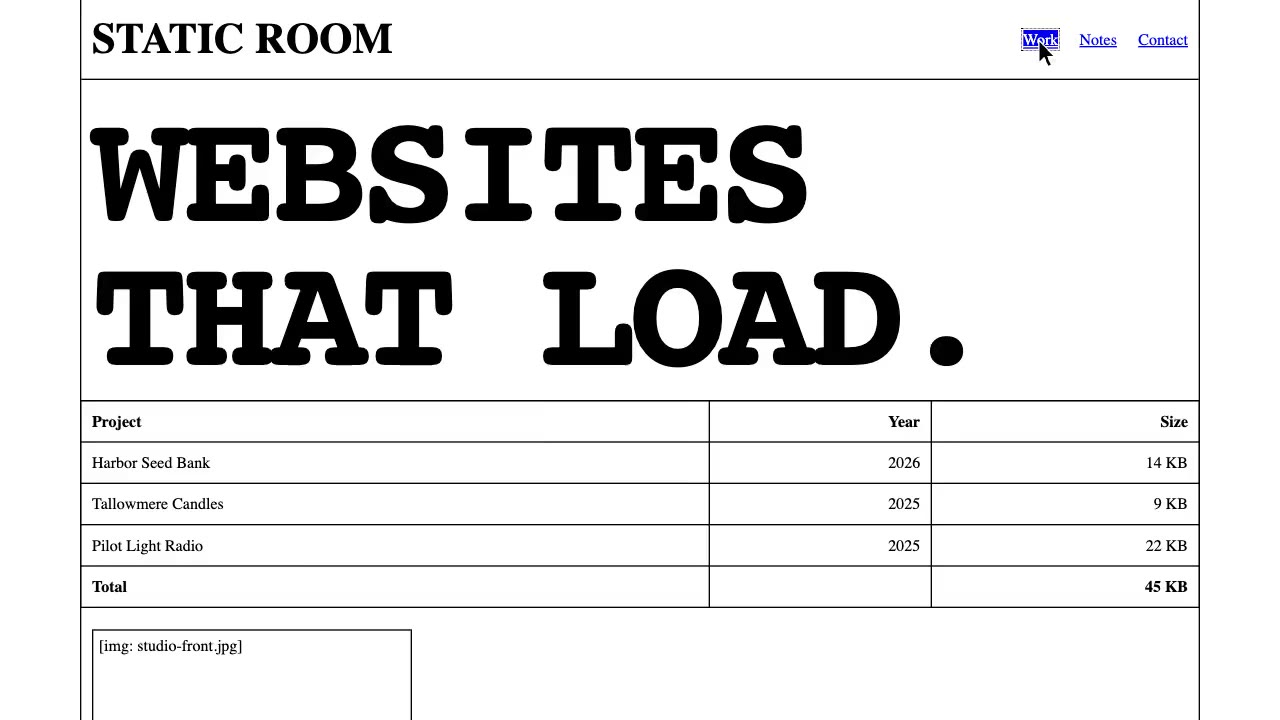
A raw white web page in browser-default Times and monospace: giant statements type out and hard-cut, the page loads in…
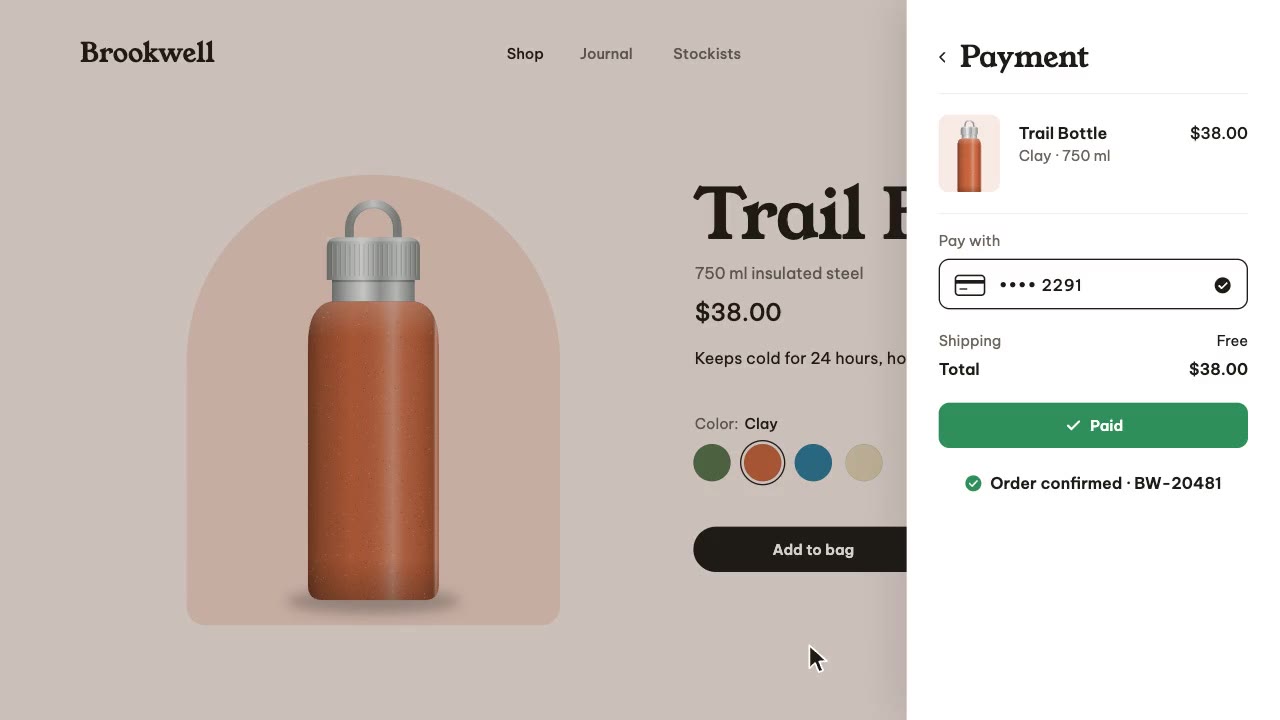
A storefront whose page tint follows the product: a steel bottle drawn in code recolors from moss to clay in a rising w…
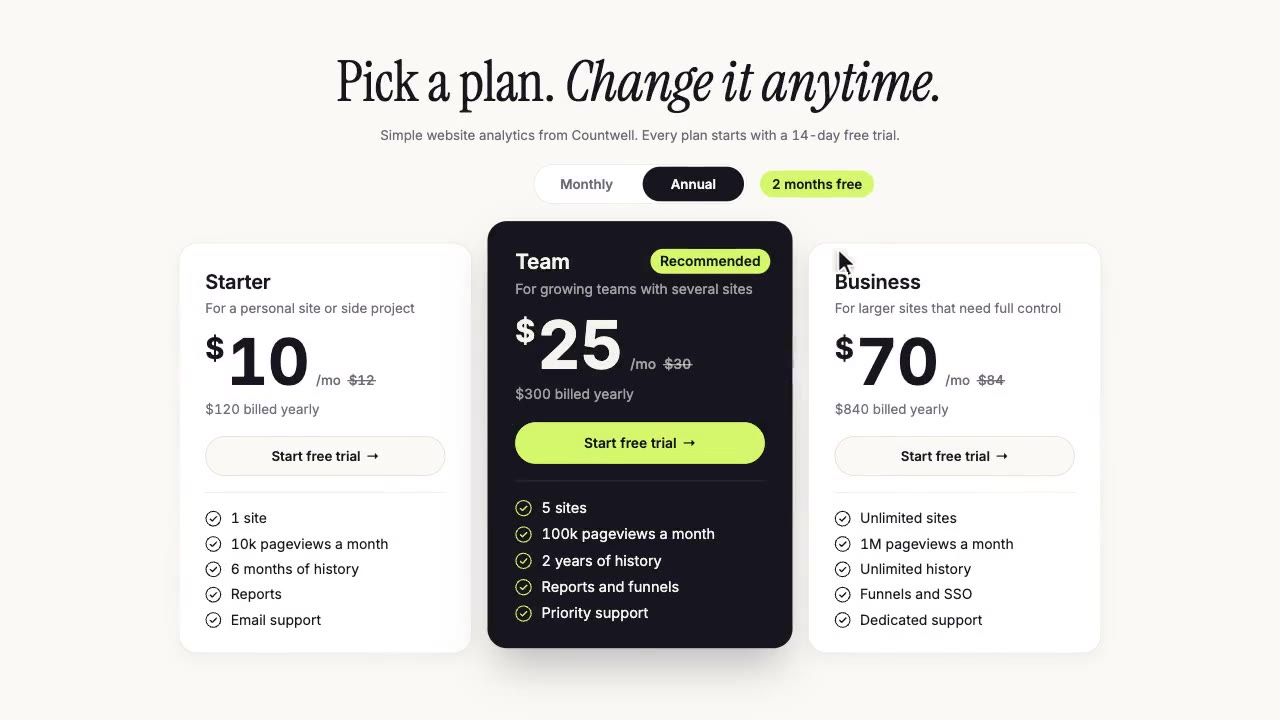
A calm pricing page under a serif headline: a cursor flips the toggle to Annual, prices roll digit by digit to their tw…
More like this on the motion design inspiration board: Landing page animation inspiration