
Op Art Illusion
A black-and-white Op Art piece: crisp stripes swell into a bulging lens and slow waves, and the title exists only as a change in stripe direction. Motion stays slow, with no flashing or strobing.
Written and rendered by AI CSS Animations Oct 12, 2026
- Type
- prompt
- Made with
- Claude Opus 5.5 in Claude Code
- Built in
- Canvas
- Topics
- Line art · Shapes
About this style
Op Art emerged in the 1960s through painters such as Bridget Riley and Victor Vasarely, and came to wide attention with the Museum of Modern Art's 1965 exhibition The Responsive Eye. It uses precise black-and-white patterns of stripes, grids and checks, arranged so the eye perceives bulging, waving or vibration on a flat surface. That hypnotic pull keeps it popular in album art, fashion and motion graphics.
The prompt
Make a 10-second black-and-white Op Art piece in the spirit of Bridget Riley and Victor Vasarely.

<inputs>
Title: PARALLAX. Subtitle: Moving Lines. Details: Gallery 2 · Until 30 June. Three words: Line, Wave, Depth. Duration: 10s. If I don't give you something, use the default and don't ask.
</inputs>

<direction>
Palette: black #0E0E0E and white #F3F2EE, nothing else.
Type: Archivo at width 125, weight 800 (load the wdth axis), uppercase; the title as large as fits, about 250px. The title is never solid: it exists only where stripes turn horizontal inside the vertical field. Details: Archivo 500, 28px, on a solid white band.
Field: vertical stripes edge to edge, 32px period, half black. Warp them by displacing each stripe's x with a Gaussian lens bulge (a sphere swelling from the surface) and a slow sine wave. Draw stripes as filled polygons sampled every 8px for crisp edges. For the type, mask a horizontal-stripe layer with text drawn to an offscreen canvas (destination-in). No stripe may get thinner than 10px, or the 1280×720 preview will moiré.
Safety is part of the brief: no flashing faster than 3 times a second and no strobing. In practice: no pixel cycles black-white more than twice a second, so stripes move sideways under 64px/s. Never invert the field, pulse, or reverse direction abruptly; every change eases over at least 1s.
Motion is slow and hypnotic: warp amplitudes move on cubic-bezier(0.45, 0, 0.55, 1) over 2–3s. Real op art is precise, binary and mathematical; the cheap version is a spinning spiral or a strobing checkerboard.
Banned: color, gradients, blur, glow, flashing, spirals, rotating fields, inversion, stripes under 10px, gray blending.
</direction>

<structure>
0.0–1.2s: white field; vertical stripes grow down from the top edge, staggered 12ms left to right, 0.5s each on cubic-bezier(0.65, 0, 0.35, 1).
1.2–3.4s: a lens bulge (radius 360px) swells left of center, amplitude 0 → 48px.
3.4–5.4s: the bulge drifts gently to center while a sine wave (amplitude 0 → 24px, wavelength 600px) phases in along the stripes.
5.4–6.8s: the title emerges as a vertical mask edge sweeps left to right across it over 1.2s, turning the stripes horizontal inside the letters; the bulge warps both layers.
6.8–7.8s: a 140px white band slides up from the bottom; subtitle, details and the three words sit on it in black between thin rules.
7.8–8.8s: warps ease to a still, gently curved rest.
8.8–10.0s: hold.
For other durations, scale every timestamp proportionally.
</structure>

<build>
One self-contained index.html, CSS and JS inline. Google Fonts via <link> are fine; no other libraries (no three.js: this style is flat). Draw in Canvas 2D, repainting every frame from scratch. Canvas won't fetch fonts itself: await document.fonts.load() for each face, then define window.seek. The stage is 1920×1080 (16:9), scaled to fit the window. Design for 60fps. window.seek(t), t in seconds, must compute every visual from t alone: no CSS transitions or animations, no setTimeout or setInterval, no state carried between frames, and randomness only from a seeded PRNG. Without ?render in the URL, drive seek from requestAnimationFrame so it plays in a browser (loop after a 1s end hold); with ?render, don't start that loop.
</build>

<check>
Before showing me, step through one frame per second: screenshot each and look at it. Fix overlaps, clipped or cramped text, accidental edge collisions, and anything off-style or Banned. Also sample three pixels at 60fps and count black-white changes: never more than 4 in any second. Confirm seek(duration) and seek(duration + 1) match, so the final frame holds.
</check>
Ours, and free to use under CC0: copy it, change it, ship it. No credit needed.
Similar prompts
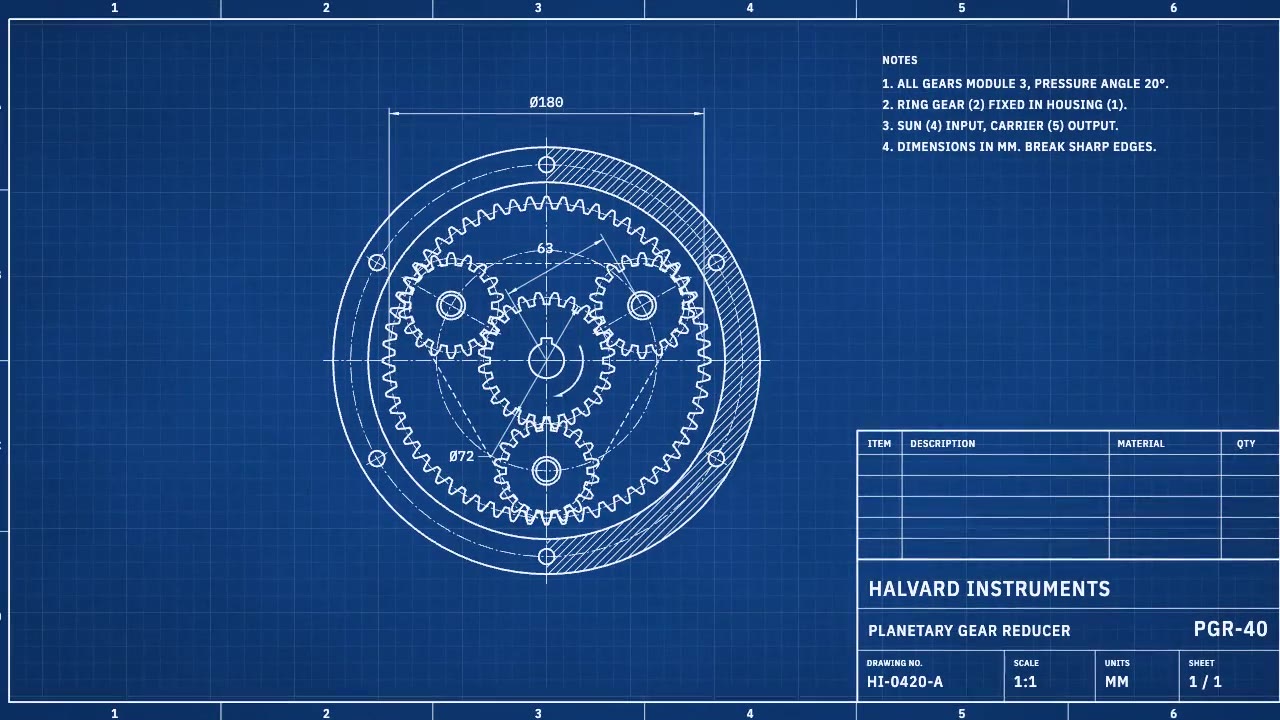
A cyanotype-blue engineering sheet that drafts itself: centerlines, compass-swept gears, hatching and dimension lines a…
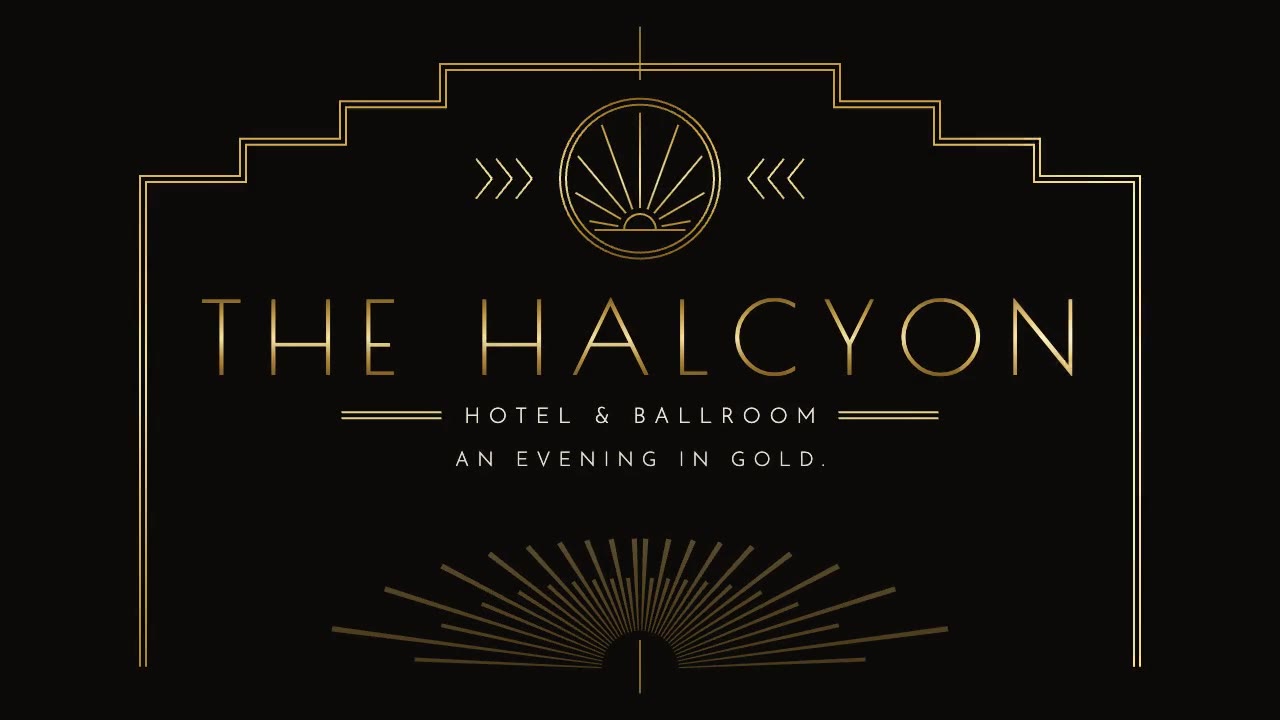
A symmetrical Art Deco reveal in black and metallic gold: a sunburst fans open, stepped pinstripe frames draw from the…
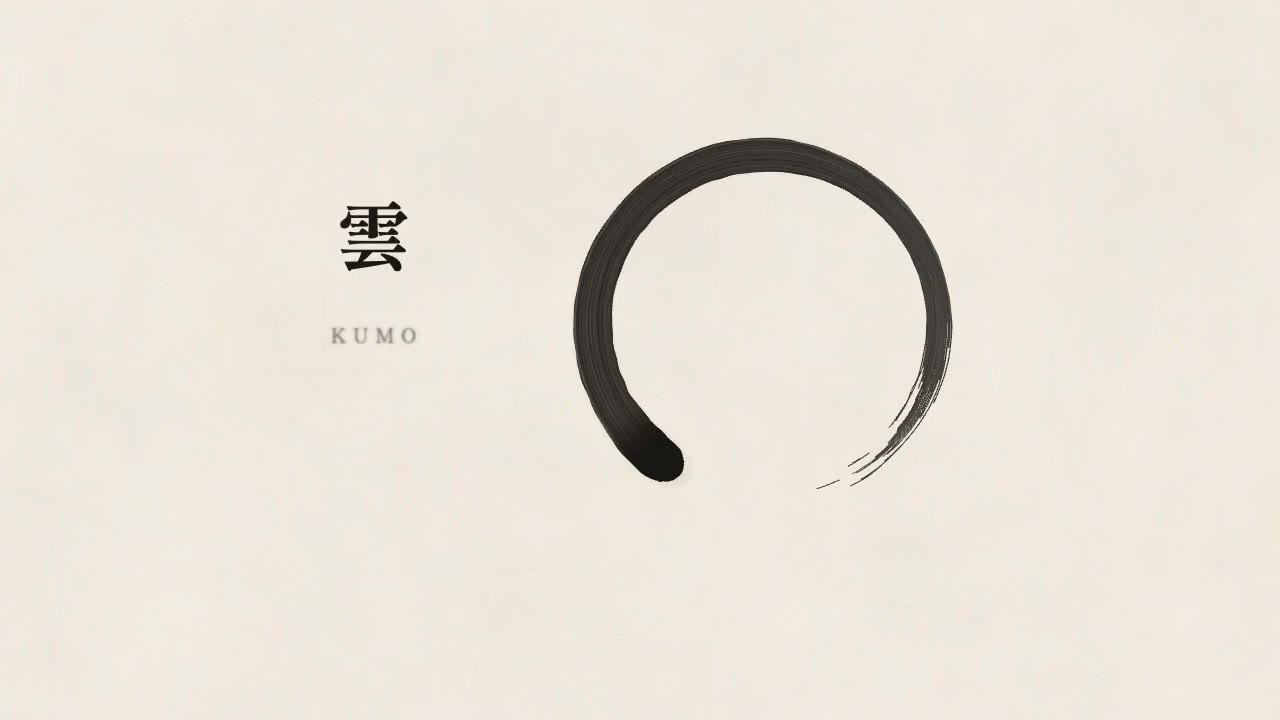
A quiet Japanese minimalist piece on generated washi paper: a single sumi ensō is brushed on with dry-brush texture, sm…
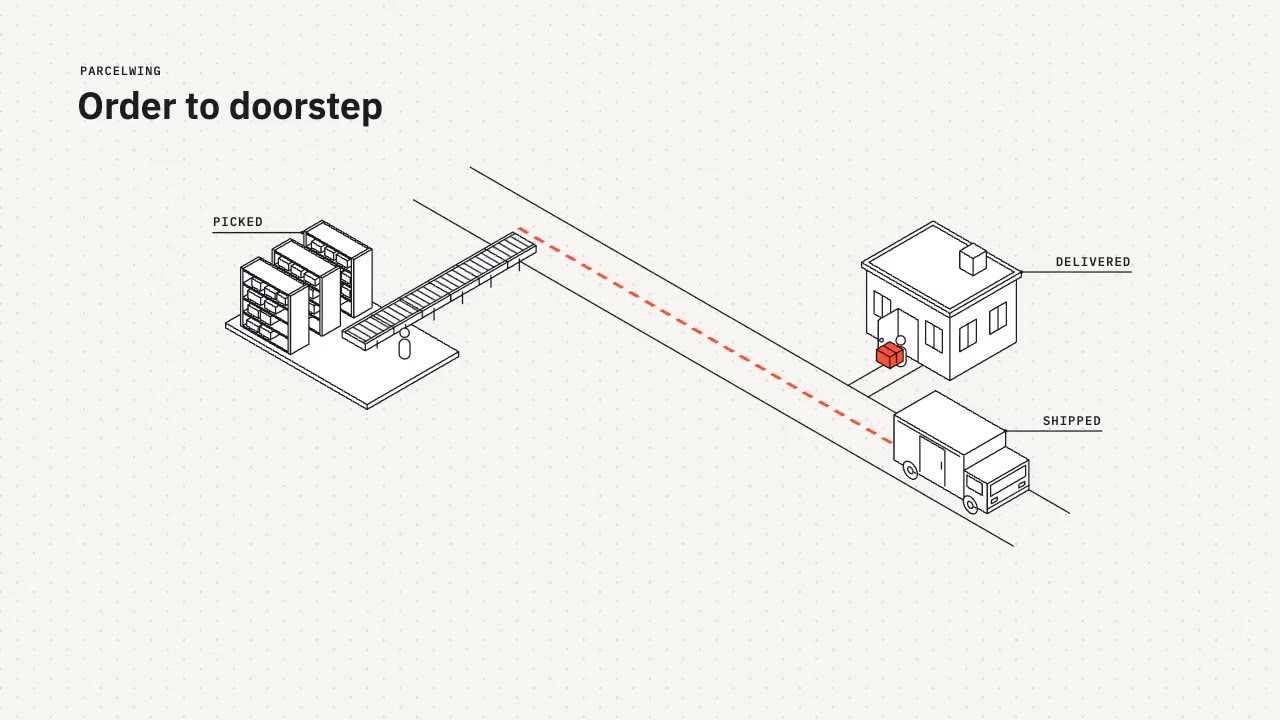
A tidy isometric line-art explainer: constant 2px strokes, white faces and one vermilion accent as a parcel travels fro…