
Handheld Console Boot
A putty-colored pocket console on a pale lilac sweep powers on: its logo scrolls down to a chime, then a four-shade green platformer starts and a frog hops across mossy logs as the real A button, D-pad and START press in time, ending on a stage-clear screen beside the name.
Written and rendered by AI CSS Animations Oct 18, 2026
- Type
- prompt
- Made with
- Claude Opus 5.5 in Claude Code
- Built in
- three.js
- Topics
- Characters · 3D
About this style
Pocket consoles with monochrome reflective LCD screens took off with Nintendo's Game Boy in 1989. Their 160 × 144 pixel screens showed four shades of grey-green, smeared slightly as pixels changed and relied on room light rather than a backlight. A startup logo that scrolls down to a short chime, a D-pad with two action buttons and a cartridge standing out of the top became the template for handheld gaming. The four-shade green palette is now a popular pixel-art constraint, and new retro handhelds revive the chunky form.
The prompt
Make a 10-second product film of a pocket game console booting: it powers on, its logo drops to a chime, and a four-shade pixel platformer starts on its green screen while the real buttons press in time.

<inputs>
If I don't give you something, use the default and don't ask.
- Console: Pip Pocket (fictional); boot logo PIP.
- Game: Moss Hopper: a frog hops across mossy logs catching flies; the title screen reads MOSS HOPPER over PRESS START.
- Closing type: "Pip Pocket" / "Four shades of green, two buttons, one frog." / "160 × 144 · 4 SHADES · 2 × AA".
- Length: 10 seconds.
</inputs>

<direction>
- Studio: a seamless sweep in pale lilac #E7E1EE, lifting to #F5F2F8 behind the console. The console stands upright, leaning back 8° on a small clear acrylic stand, over a ShadowMaterial floor that catches a soft contact shadow (PCFSoftShadowMap, 2048 map, radius 6).
- Light, so it reads from the first frame: a large soft key from the upper left (a DirectionalLight plus an environment baked once with PMREMGenerator.fromScene from two big softboxes and a strip), a white rim light from back right, and a HemisphereLight fill. Expose so the putty plastic reads at about 80% value while the darkest parts (D-pad, bezel) still show their edges and highlights. ACESFilmic, sRGB.
- The console, 1 unit = 1 cm, portrait: a body 9.0 × 14.8 × 3.0 with all four corners rounded 0.8 (RoundedBoxGeometry), built as front and back shells with a thin seam line around the edge, in warm putty plastic #D7D2C7 (roughness 0.55) with a faint orange-peel texture (a fine-noise normal map). On the front, top to bottom:
  - a slate screen bezel #4B4F5E (7.4 × 6.4, corners 0.5) with POCKET MATRIX · 4 SHADE in small light grey caps along its top, and a red power LED at left with POWER beneath it;
  - the LCD window, 4.8 × 4.32 (160:144), recessed 0.06 under a clear cover carrying a soft diagonal reflection streak;
  - PIP pocket printed in charcoal italic below the bezel;
  - a charcoal #2A2A2E D-pad cross (arms 0.9 wide, 2.6 across, raised 0.15, a dimple in the middle) in a shallow round recess at left;
  - two plum #8C2F5C domed buttons (1.0 across) on a line rising 25° at right, A higher, with A and B engraved beneath;
  - two grey rubber pills #8D8A92 for SELECT and START, angled 25°, labeled beneath;
  - six angled speaker slots at lower right.
  On the top edge, a ribbed power slider at the left and a grey cartridge #9A968F standing 1.2 out of its slot, its label edge reading MOSS HOPPER; a ribbed volume wheel on the right side.
- The screen: draw the game at 160×144 into a canvas each seek, then upscale ×6 with nearest neighbour onto a 960×864 CanvasTexture (NearestFilter) in which every LCD pixel is separated by a 1px line 15% darker: the visible pixel grid. Ghosting: draw the game as it was at t − 1/30 and t − 2/30 (recomputed from t) beneath the current frame at 30% and 15%, the way slow liquid crystal smears. Four shades only: #1F3A1C, #4C6B2C, #8EA444 and #C6D08A (the blank, lit LCD). The LCD is reflective, not backlit: MeshStandardMaterial with the texture as map plus a small emissive (25% of the map) so it stays readable. Switched off, it is a flat #A8AC8E with no pixels.
- The game, as pixel art defined in code with no anti-aliasing: a 16×16 frog with crouch, leap and blink frames; mossy log platforms 16px tall (bark in shades 2–3, moss on top); parallax reeds (shade 3) and distant hills (a checker dither of shades 2 and 3); water along the bottom with a two-frame wave; flies (8×8, two-frame wings); a top bar with SCORE 000000, three heart lives and STAGE 1-1. Text in a 5×7 pixel font you define in code (A–Z, 0–9, space, hyphen). The boot logo PIP is 12px tall bold pixel letters in the darkest shade.
- Buttons press in sync with the screen: the power slider slides over in 0.12s; START dips 0.12 (0.1s down, 0.12s up) on the title screen; the D-pad's right arm tilts 4° whenever the frog runs right; A dips on each jump, on the exact frame the frog leaves the log.
- Camera, fov 30, on easeInOutSine: it starts in a three-quarter view (yaw 30°, pitch 14°) with the whole console left of center; by 3.6s it has turned to near-front (yaw 6°, pitch 4°) and pushed in until the screen is about 640px wide; it holds there through the game; from 7.9s it pulls back to a front three-quarter view (yaw 14°) with the console centered at x 700 and the screen at least 420px wide, leaving the right side for type.
- Type (HTML over the canvas), from x 1180, vertically centered: "Pip Pocket" in "Baloo 2" 800, 96px, #3B3550; the line in "Baloo 2" 500, 30px, #6A6280, at most 600px wide; the spec row in "DM Mono" 500, 22px, #6A6280, tracked 0.08em. Each rises 14px as it fades in over 0.6s on cubic-bezier(0.22, 1, 0.36, 1), 0.15s apart.
- Premium: a console you could pick up, with seams, a recessed screen, raised controls that press when the frog jumps, and an LCD with a pixel grid and ghosting. Cheap: a flat grey rectangle with a green gradient screen and smooth vector sprites.
- Banned: real console names, logos or boot sounds, copying a real handheld's exact shape, a glowing backlit screen, smooth or anti-aliased sprites, more than four shades on the screen, a dark background, a console floating with no shadow, anything flashing more than 3 times per second.
</direction>

<structure>
- 0.0–0.6s: the console in three-quarter view on the lilac sweep, switched off: blank LCD, LED dark.
- 0.6–0.8s: the power slider moves; the LED lights red; the LCD turns to its lit blank shade.
- 0.8–2.1s: PIP scrolls down from above the screen to its center at 60 screen pixels a second; the camera begins to turn and push.
- 2.1–2.9s: the logo lands with a 1px bounce; two small pixel notes rise beside it and fade: the chime.
- 2.9–3.6s: the screen clears and the title screen draws: MOSS HOPPER, then PRESS START blinking once a second.
- 3.6–3.9s: START presses; the title wipes away top to bottom in 8px bands.
- 3.9–7.9s: play: the frog hops across five logs (A dipping on each jump, the D-pad tilting as it runs), catches three flies for 40 points each (SCORE 000120), and the view scrolls right with the reeds and hills in parallax.
- 7.9–8.4s: it lands on a lily pad; STAGE CLEAR appears; the camera pulls back.
- 8.4–9.0s: the type rises in at right.
- 9.0–10.0s: hold.
For other lengths, add or remove logs in the play beat; keep the boot timings and at least 1s of hold.
</structure>

<build>
- One self-contained index.html (inline CSS and JS), a 1920×1080 (16:9) stage scaled to fit the window, designed for 60fps. No image, video, texture or model files: every shape and texture is generated in code.
- window.seek(t), t in seconds, computes every visual from t alone: no CSS transitions or CSS animations, no setTimeout/setInterval, no state carried between frames, randomness only from a seeded PRNG. Anything cumulative is solved analytically from t or precomputed once at load at a fixed step. Past the end, seek clamps to the last frame.
- Without ?render in the URL, drive seek from requestAnimationFrame so it plays in a browser (loop after a 1s end hold); with ?render, don't start that loop.
- Google Fonts via <link> are fine; await document.fonts.load() for each face before defining window.seek.
- Engine: three.js as an ES module pinned to three@0.160.0 through an import map on jsDelivr (`three` and `three/addons/`). WebGLRenderer with antialias, preserveDrawingBuffer: true and setPixelRatio(window.devicePixelRatio); render once at the end of every seek. Text is HTML over the canvas.
- The frog's path is a list of hops built once at load; every game frame, button position and camera pose is a function of t.
</build>

<check>
Before showing me, step through one frame per second (t = 0…10): screenshot each and look at it. Fix overlaps, clipped or cramped text, and anything off-style or Banned. Check the console reads as a real, well-lit handheld from the first frame (seams, a recessed screen, raised D-pad and buttons), the screen shows only the four shades with a visible pixel grid and readable text, A dips exactly when the frog jumps, the score ends at 000120, and the type stays clear of the console. Confirm seek(10) and seek(11) match, so the final frame holds.
</check>
Ours, and free to use under CC0: copy it, change it, ship it. No credit needed.
Similar prompts
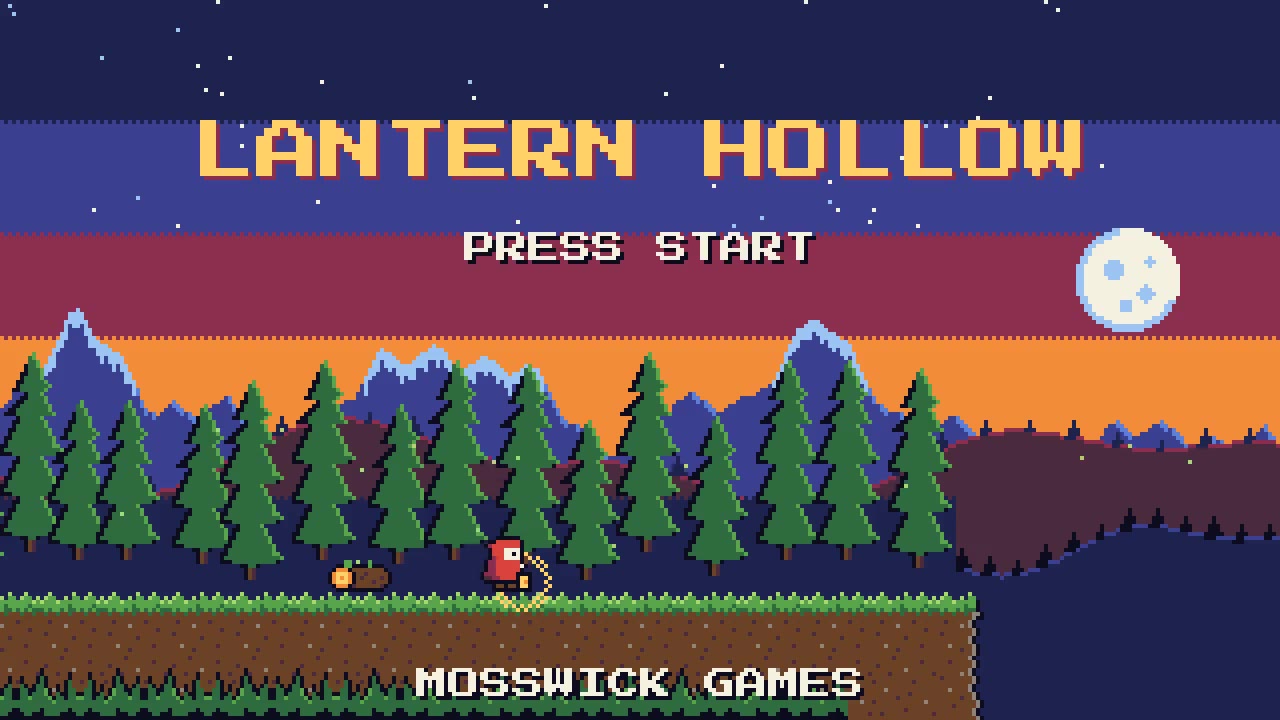
An 8-bit attract screen: a dusk forest scrolls in parallax layers as a tiny lantern-carrying hero walks, hops a log and…
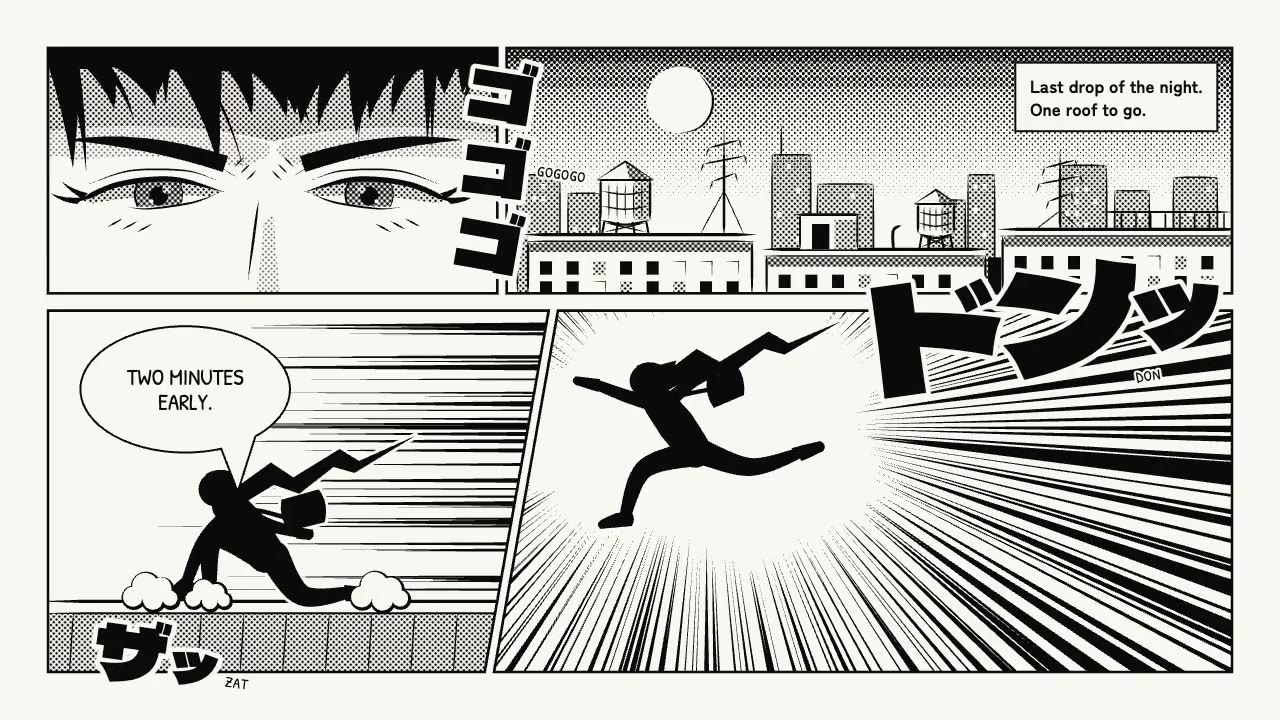
A black-and-white manga page read right to left: rooftops, narrowed eyes, a silhouetted courier leaping through focus l…
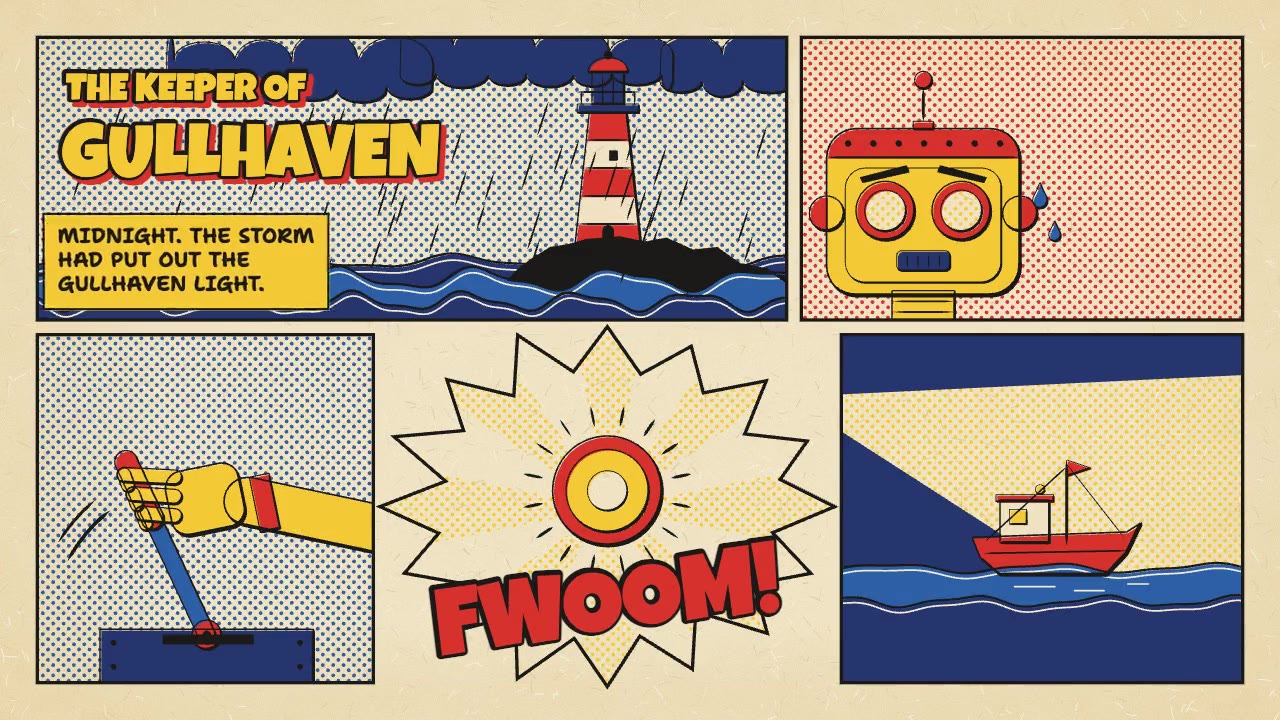
A five-panel comic page made the old way: blue pencil roughs, weighted black inks, flat process color with Ben-Day dots…
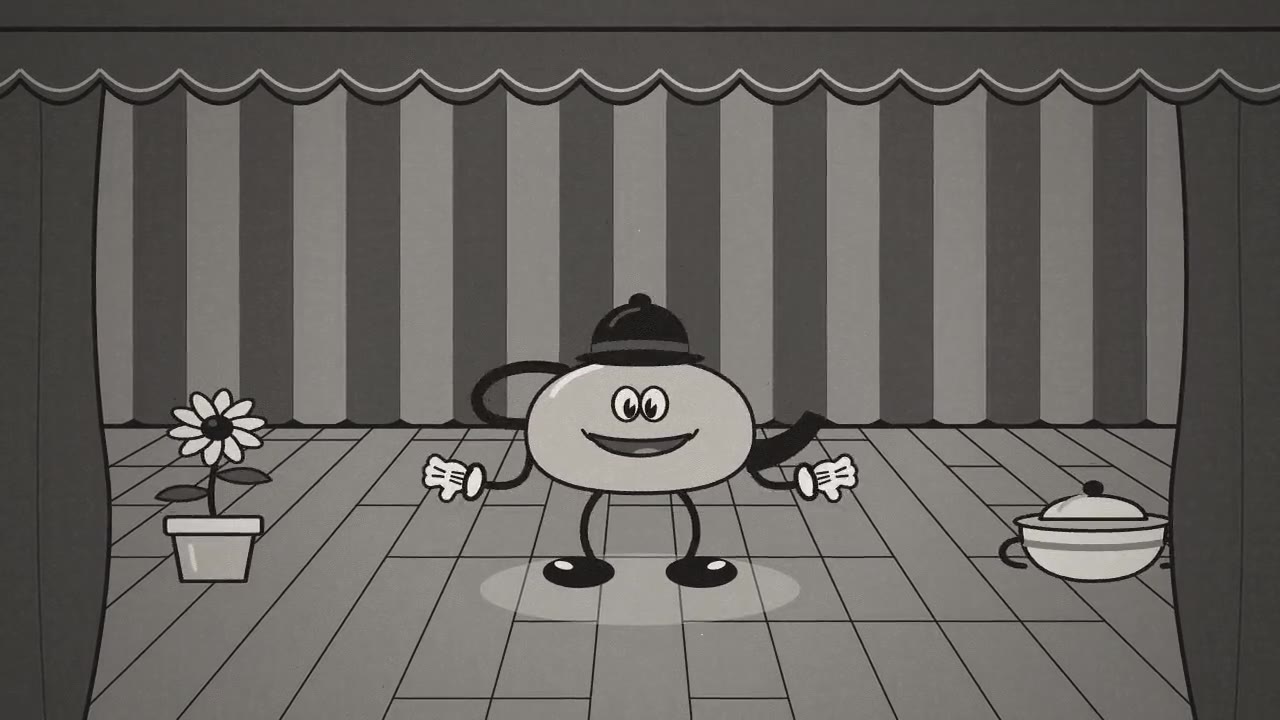
A black-and-white 1930s cartoon: Tippy, an original teakettle with rubber-hose limbs, white gloves and pie-cut eyes, da…
More like this on the motion design inspiration board: 3D motion design inspirationCharacter animation inspiration