
Drag and Drop Form Builder
Five fields drag into a beta sign-up form, a logic branch links team size to a follow-up question, the form goes live, and 1,286 responses arrive as live bar charts and a response feed.
Written and rendered by AI CSS Animations Oct 19, 2026
- Type
- prompt
- Made with
- Claude Opus 5.5 in Claude Code
- Built in
- HTML/CSS
- Topics
- SaaS promo · Product UI · Charts
About this style
Online form builders turned the questionnaire, once a hand-coded HTML page, into something anyone can assemble by dragging fields onto a canvas. Conditional logic, which shows a question only when an earlier answer calls for it, keeps forms short and is one of the features these tools highlight most. Their promos tend to show the full loop in one take: a form taking shape field by field, a rule connecting one answer to a follow-up, the form going live, and responses arriving as charts. The format works when the form has a believable purpose, the logic is readable at a glance, and the response numbers add up across every chart on screen.
The prompt
Make a 10-second form builder promo in a light, cool UI: five fields drag from a palette into a beta sign-up form, a logic branch connects the team-size question to a follow-up, the form goes live, and 1,286 responses arrive as live bar charts and a response feed.

<inputs>
If I don't give you something, use the default and don't ask.
- Product: Askfold, a form builder (fictional). Wordmark: "askfold". Tabs: "Build" (active), "Logic", "Results".
- The form: "Larkspur beta waitlist", for Larkspur, a CRM for small field-service teams (fictional). Title: "Join the Larkspur beta". Intro: "Larkspur is a CRM for small field-service teams. Takes 30 seconds."
- Palette field types, in order: Short text, Email, Number, Single choice, Dropdown, Yes / No, Date, Rating, File upload.
- Fields dragged in (type → label · control):
  Short text → "Full name" · placeholder "Jordan Reyes"
  Email → "Work email" · placeholder "you@example.com"
  Single choice → "Team size" · chips "1–10", "11–50", "51–200", "200+"
  Dropdown → "Your role" · "Choose one"
  Yes / No → "Want a guided onboarding call?" · "Yes", "No"
- Logic: show "Want a guided onboarding call?" only if Team size is 51–200 or 200+. Chip: "if 51–200 or 200+". Tag on the follow-up: "Conditional".
- Submit button: "Request access".
- Results: 1,286 responses ("responses since launch"); completion rate 91%; average time 0:27. Team size: 1–10 412 · 11–50 503 · 51–200 247 · 200+ 124 (sums to 1,286). Asked for an onboarding call: 214 of 371 · 58% (371 = 247 + 124).
- Feed, in arrival order: "Ana Ferreira" · "11–50 · Operations"; "Wes Han" · "200+ · Founder · Call: Yes"; "Lotte Brink" · "1–10 · Sales".
- Tooltip: "11–50 · 503 responses · 39%".
- Length: 10 seconds.
</inputs>

<direction>
- Look: a clean, cool, professional builder with a warm signal-orange accent and one teal for logic. Flat white surfaces on cool grey, precise 1px borders, generous spacing. The form in the middle looks like a real, short, well-written sign-up form, and the logic reads at a glance as a single drawn connector with a plain-language condition.
- Palette: app #ECEFF3; panels and form card #FFFFFF; borders #DCE1E7; input borders #CDD3DB; ink #1A1D21; secondary #5F6773; placeholder #9AA2AD; orange #FF6B2C (accent, form top border, submit button, Publish, team-size bars); orange tint #FFE9DF (hovered palette item, drop slots); teal #0E7C86 (logic connector, conditional bar, qualifying bars, call bar); teal tint #E0F2F3; live green #22A06B; bar track #E6EAEF. No gradients.
- Type: Plus Jakarta Sans 500, 600, 700 and 800 for everything (form title 34px 800, field labels 15px 600, inputs 16px 500, palette items 16px 500, panel headings 26px 800, the counter 84px 800, chart labels 15px 600, small labels 12px 700 uppercase tracked 0.1em), with tabular figures; DM Mono 400 13px for the feed's times and the tooltip's numbers.
- Layout:
  - Top bar y 0–64, white with a bottom border: the mark at x 28 (a 24px orange rounded square holding a white speech-bubble shape with a folded corner) and "askfold" 21px 700; the form name 16px 600 at x 240; the tabs centered at x 860–1060 (active tab ink with a 2px orange underline); at the right a "Live" switch at x 1640 (off: #CDD3DB track; on: live green) and the Publish button at x 1760–1890, y 14–50, orange, white 15px 700.
  - Palette x 0–320, y 64–1080, white with a right border: "FIELDS" at x 28, baseline y 104; items 264 × 52 at x 28, tops at y 124 + 60 × index, each with a 20px line icon (1.75px #5F6773 strokes) and its name.
  - Canvas x 320–1260 on the app grey. The form card x 400–1060, top y 104, bottom y 836, radius 16, 1px border, soft shadow, a 6px orange top border. Content x 440–1020: the title at baseline y 168; the intro 16px secondary at y 200. Fields stack from these tops: 236, 332, 428, 524 and 636 (the extra 16px before the conditional field); in each, the label at baseline top + 18 and the control from top + 30 to top + 76 (inputs 580 × 46, radius 10; chips 133 × 44, 16px apart, radius 22; the dropdown with a chevron; Yes and No as 120 × 44 pills). Submit at y 744–796, full width, orange, white 16px 700. Before the fields arrive, a dashed 2px #CDD3DB drop zone fills y 236–520 with "Drag fields here" in placeholder grey; it shrinks below the last field and disappears when the fifth lands.
  - Logic connector: a 2px teal path out of the card's right edge from (1060, 481) to x 1110, down to y 689 with 12px rounded corners, and back into the card's right edge at (1060, 689), ending in a 10px arrowhead; the chip at x 1122–1252, y 564–592 (teal text on teal tint, 13px 600, radius 10). Once linked, the conditional field shifts its content 24px right, gains a 3px teal bar at x 440 from y 636 to 712, and shows a "Conditional" tag (teal on teal tint, 12px 600) after its label.
  - Results panel x 1260–1920, white with a left border: "Responses" at x 1300, baseline y 124, with an 8px live-green dot and "Live" 13px after it (steady, no blinking); the counter at x 1300, baseline y 236, and "responses since launch" 16px secondary at y 266; "COMPLETION RATE" with "91%" (24px 800) at x 1300 and "AVG. TIME" with "0:27" at x 1560, labels at baseline y 306 and values at y 338. "TEAM SIZE" at baseline y 400; four bar rows at tops y 420, 482, 544 and 606 (44px tall): the range label at x 1300, the bar from x 1380 with length count ÷ 503 × 400px (1–10 and 11–50 in orange, 51–200 and 200+ in teal), the count 12px after its end. "ASKED FOR AN ONBOARDING CALL" at baseline y 700; a 12px track at x 1300–1860, y 716–728, filled teal to 214 ÷ 371; "214 of 371 · 58%" 15px 600 at baseline y 756. "NEW RESPONSES" at baseline y 806; feed rows 64px tall at tops y 822, 886 and 950: a 36px initials circle (#E6EAEF with ink initials), the name 15px 600, the detail 13px secondary, the time right-aligned to x 1880 in DM Mono ("just now" for the top row, "1 min ago" and "2 min ago" below it).
- Drags: the cursor (an original arrow drawn in SVG, 24px, ink with a 2px white outline and a soft shadow) presses a palette item (it tints orange), a ghost of the item (scale 1.04, shadow 0 16px 28px -12px rgba(26,29,33,0.3)) follows the cursor to its slot on easeInOutCubic, an orange tint slot opens where it will land, and on drop the ghost widens into the full field (easeOutCubic) and its label types at 60 characters per second.
- Responses: the counter counts with easeOutQuart; the bars grow together, each always its share of the current count (so their proportions never change); the call bar's two numbers scale with them; each new feed row enters at the top, sliding down 16px and fading in while the rows below move down 64px (0.3 s, easeOutCubic).
- Motion rules: 0.15–0.35 s on easeOutCubic or easeInOutCubic; the chip's pop on easeOutBack (1.6) is the only overshoot; nothing glows.
- Premium: a form with a real purpose, a logic rule you understand without reading docs, live results whose numbers add up everywhere (bars sum to the counter, the call bar's 371 equals the two teal bars). Cheap: fields of grey bars, a rainbow chart, a pie chart with ten slices, confetti on publish, a flowchart of boxes for one condition.
- Banned: real company names, logos and UI copied from existing products, lorem ipsum, confetti, emoji, glows, gradient backgrounds, purple, pie charts, anything flashing more than 3 times per second.
</direction>

<structure>
- 0.0–0.5s: the builder fades in: top bar, palette items (25 ms apart), the form card with its title, intro, drop zone and submit button; the results panel shows "Responses", "0" and "Publish to start collecting" in placeholder grey.
- 0.5–2.75s: five drags starting at 0.5, 0.95, 1.4, 1.85 and 2.3 s, 0.45 s each: on the item at +0 s, press until +0.05 s, carry to the slot by +0.33 s, the field fully open by +0.45 s; each label types right after its drop.
- 2.8–3.6s: the cursor moves to a small branch icon that appears at the Team size field's top-right (1012, 446) and clicks it at 2.95 s; the connector draws from Team size to the follow-up (3.0–3.4 s, easeInOutCubic); the follow-up field indents with its teal bar (3.3–3.5 s); the chip pops at 3.45 s and the "Conditional" tag fades in.
- 3.6–4.0s: the cursor moves to Publish and clicks at 3.9 s; the Live switch slides on and turns green; the button reads "Published".
- 4.0–5.8s: responses arrive: the counter counts 0 to 1,286 (4.0–5.6 s); the mini stats fade in at 4.2 s; the team-size bars and the call bar grow with the count; feed rows arrive at 4.4, 4.9 and 5.4 s; the cursor drifts toward the results panel.
- 6.0s: the hero frame: the finished form with all five fields, the logic connector and chip, the Published state, and the full results: 1,286, 91%, 0:27, the four bars with their counts, 214 of 371 · 58%, and three feed rows.
- 6.3–7.2s: the cursor glides to the 11–50 bar; the bar's orange deepens to #E85A1E and the tooltip appears above its end at 6.9 s (white, 1px border, radius 10, Plus Jakarta Sans 600 15px with DM Mono numbers).
- 7.2–10.0s: hold on the final frame: the form, the logic and the results with the tooltip.
For other lengths, stretch the gaps between drags and the response count; keep each drag at about 0.45 s, the connector's 0.4 s draw and at least 1 s of hold.
</structure>

<build>
- One self-contained index.html (inline CSS and JS), a 1920×1080 (16:9) stage scaled to fit the window, designed for 60fps. No image, video, texture or model files: icons, the cursor and the connector are inline SVG drawn in code.
- window.seek(t), t in seconds, computes every visual from t alone: no CSS transitions or CSS animations, no setTimeout/setInterval, no state carried between frames, randomness only from a seeded PRNG. Anything cumulative is solved analytically from t or precomputed once at load at a fixed step. Past the end, seek clamps to the last frame.
- Without ?render in the URL, drive seek from requestAnimationFrame so it plays in a browser (loop after a 1s end hold); with ?render, don't start that loop.
- Google Fonts via <link> are fine; await document.fonts.load() for each face (Plus Jakarta Sans 500, 600, 700 and 800; DM Mono 400) before defining window.seek.
- Engine: HTML/CSS. Absolutely positioned DOM elements on the stage; seek(t) writes every transform, opacity, width, clip-path and text content as inline styles computed from t, and the form's layout is computed from which drops have happened by t, never from measuring the previous frame. No CSS transitions, CSS animations or Web Animations API. The connector is an inline SVG path drawn with stroke-dashoffset from t. Counts at rest use the exact values from the inputs; while counting, each bar shows its share of the current count, rounded.
</build>

<check>
Before showing me, step through one frame per second (t = 0…10): screenshot each and look at it. Fix overlaps, clipped or cramped text, and anything off-style or Banned. Check that at 2.8 s all five fields sit at their tops inside the card with typed labels and no overlap with the submit button; the connector leaves Team size and enters the follow-up without crossing the card's content, and its chip is readable; at 6.0 s the bars read 412, 503, 247 and 124, their sum is the counter's 1,286, the call bar reads 214 of 371 · 58%, and every bar's length matches its count; the Live dot never blinks; the 6.0 s frame shows the whole form, logic and results; and the final frame shows the tooltip on the 11–50 bar. Confirm seek(10) and seek(11) match, so the final frame holds.
</check>
Ours, and free to use under CC0: copy it, change it, ship it. No credit needed.
Similar prompts

A slow, ribbon-like gradient mesh flows in a skewed band behind sharp headline type, while white payment, API and chart…
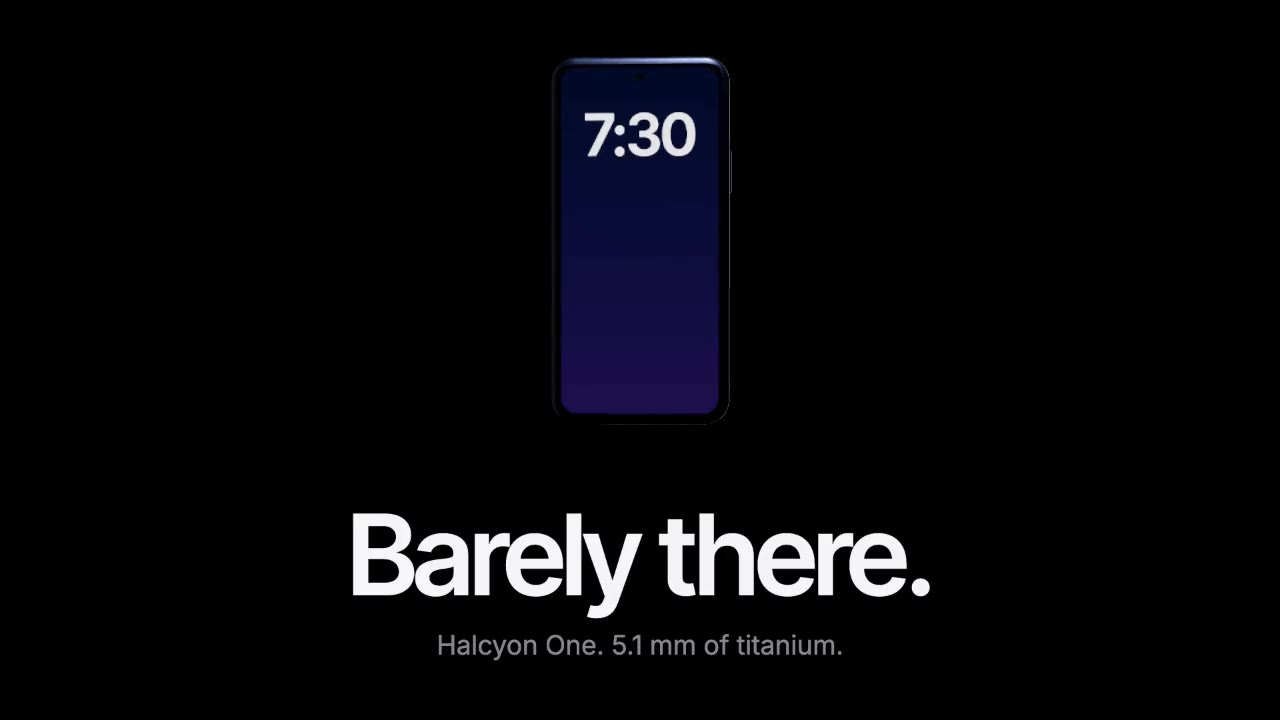
A device built in three.js rises out of total darkness while a softbox reflection glides along its titanium edge, then…

A dark-mode work tool drawn in hairlines and quiet radial glows: issue rows populate, ⌘K opens a command menu, a comman…

Rounded tiles spring into a bento grid on warm paper, each acting out one feature in a small animation, then the tiles…
More like this on the motion design inspiration board: UI animation inspirationSaaS video inspirationData visualization inspiration