
Micro-Interaction Set
A dark specimen sheet of eight controls with one lime accent: a pointer visits each in turn, and a stretching toggle, drawn checkbox, liquid radio, stepped slider, two-edge segmented pill, rolling stepper, bursting like button and floating-label field each play their motion.
Written and rendered by AI CSS Animations Oct 18, 2026
- Type
- prompt
- Made with
- Claude Opus 5.5 in Claude Code
- Built in
- HTML/CSS
- Topics
- Product UI
About this style
Micro-interactions are the small, single-purpose moments of an interface: flipping a toggle, ticking a checkbox, liking a post. Dan Saffer's 2013 book Microinteractions broke them into triggers, rules, feedback, and loops and modes, and argued that they are where a product's quality is felt. Design systems and UI kits now present their controls as specimen sheets, each with its own timing and spring values, so teams can copy the motion along with the look.
The prompt
Make a 10-second micro-interaction specimen sheet: eight UI controls on a dark grid, each with its own crafted motion, triggered one after another by a pointer.

<inputs>
If I don't give you something, use the default and don't ask.
- Title: "Micro-interactions, Vol. 1". Kit: Pocketform UI (fictional).
- Controls: 01 Toggle · 02 Checkbox · 03 Radio group (Daily, Weekly, Monthly) · 04 Slider (20 → 65) · 05 Segmented control (Day, Week, Month) · 06 Stepper (2 → 3, max 3) · 07 Like (41 → 42) · 08 Text field (Email: ada@thimble.test)
- Accent: #C8F255.
- Length: 10 seconds.
</inputs>

<direction>
- Palette: stage #0E0F11; cells #15171A divided by 1px #25282D hairlines; text #ECEDEF; secondary #8A8F98; idle surfaces #2A2D33 with #3A3E46 borders; knobs and thumbs #F2F3F5; the accent on every "on" state, with #0E0F11 glyphs on it. One accent only.
- Type: Space Grotesk 500–700 for the title (56px/700) and cell names (26px/500); JetBrains Mono 500, 20px, for the subtitle, indexes and spec lines.
- Layout: the title at (120, 96) with "8 controls · 1 accent · Pocketform UI" in mono beneath; a 4×2 grid of 420×360 cells filling x 120–1800, y 230–950. Each cell has its index top-left 28px in, the name under it, the control centered a little below the middle, and a spec line at bottom-left naming its motion.
- The eight controls, each with one physical idea:
  01 Toggle: a 124×68 track with a 56px knob. Turning on, the knob travels on a spring (stiffness 420, damping 30), stretching to 80px wide mid-travel before recovering; the track fills with the accent from the trailing side; a check draws inside the knob. Spec: "spring 420 / 30 · stretch".
  02 Checkbox: 60px with a 16px radius. It presses to 0.9 and springs back as it fills, and the check draws by stroke-dashoffset in 220ms, short stroke then long. Spec: "press 0.9 · draw 220ms".
  03 Radio group: three 36px radios with 24px labels, 64px apart. The selection leaves Daily as a liquid drop, stretching into a capsule along its path (up to 2.2× its width), and lands on Monthly with a squash (1.2 wide, 0.85 tall) that recovers. Spec: "liquid 360ms".
  04 Slider: a 300px track 6px tall with a 32px thumb. Dragged from 20 to 65, the thumb grows to 1.25× while held, the fill follows, and a bubble above shows the value rolling digit by digit in fixed-width cells, snapping in steps of 5 with a 2px detent at each step. Spec: "step 5 · detent".
  05 Segmented control: Day | Week | Month, 330×60. The pill slides from Day to Month with its leading edge on a stiff spring (600 / 36) and its trailing edge on a softer one (380 / 30), so it stretches toward travel and catches up; labels crossfade from secondary to ink. Spec: "two-edge spring".
  06 Stepper: "−  2  +", 220×64. The first + rolls 2 up and out as 3 rolls in from below (180ms); the second + hits the maximum, nudging the value 6px right on a damped spring and dimming + to 30%. Spec: "roll 180ms · max 3".
  07 Like: a 64px heart outline over "41". The heart squashes to 0.8, fills with the accent from the bottom up as it springs to 1.15 and back, six small dots burst 34px outward on a ring and fade over 0.4s, and the count rolls to 42. Spec: "fill up · burst 6".
  08 Text field: a 340×64 underlined field. On focus the "Email" label floats up 30px and shrinks to 70% (200ms) as the underline grows from its center in the accent; "ada@thimble.test" types at 16 characters a second; a 24px accent check circle pops at the field's right end. Spec: "float 200ms · type 16/s".
- Pointer: one drawn white arrow with a #0E0F11 outline, moving cell to cell on gently curved paths (0.4–0.55s, cubic-bezier(0.45, 0, 0.15, 1)); it hovers 0.12s before each click (the control's border brightens to #4A4F58), clicks with a dip to 0.88, drags the slider, and never covers a label or value.
- One interaction at a time, each finishing before the next starts, and every control stays in its "on" state afterwards, so the sheet fills up. All springs are closed-form damped oscillators in the time since their trigger; UI fades take 150–250ms on cubic-bezier(0.2, 0, 0, 1).
- Premium: each control has its own physical idea, tuned and labelled with the numbers that make it. Cheap: the same fade on everything, controls bouncing for no reason, glowing neon.
Banned: glow, gradients, neon, sparkles or confetti beyond the like burst, a second accent color, controls animating in loops, emoji, anything flashing more than 3 times per second.
</direction>

<structure>
- 0.0–0.8s: the hairlines draw across the grid; the cells fade up 30ms apart in reading order with every control off; the title rises in.
- 0.8–1.0s: the pointer enters from the lower right.
- 1.0–1.8s: 01, the toggle turns on.
- 1.8–2.6s: 02, the checkbox.
- 2.6–3.5s: 03, the radio moves from Daily to Monthly.
- 3.5–4.5s: 04, the slider is dragged to 65.
- 4.5–5.3s: 05, the segmented pill goes from Day to Month.
- 5.3–6.1s: 06, the stepper takes two presses (at 5.4s and 5.75s). At 6.0s six cells show their on states.
- 6.1–7.0s: 07, the like.
- 7.0–8.4s: 08, the text field: focus, typing, check.
- 8.4–8.8s: the pointer glides off the grid and rests below it at about (1500, 990).
- 8.8–10.0s: hold, every control on, nothing moving.
For other lengths, change the gaps between interactions; keep each control's own timing and at least 1s of hold.
</structure>

<build>
- One self-contained index.html (inline CSS and JS), a 1920×1080 (16:9) stage scaled to fit the window, designed for 60fps. No image, video, texture or model files: every shape and texture is generated in code.
- window.seek(t), t in seconds, computes every visual from t alone: no CSS transitions or CSS animations, no setTimeout/setInterval, no state carried between frames, randomness only from a seeded PRNG. Anything cumulative is solved analytically from t or precomputed once at load at a fixed step. Past the end, seek clamps to the last frame.
- Without ?render in the URL, drive seek from requestAnimationFrame so it plays in a browser (loop after a 1s end hold); with ?render, don't start that loop.
- Google Fonts via <link> are fine; await document.fonts.load() for each face before defining window.seek.
- Engine: HTML/CSS with inline SVG for the check paths, the heart, the liquid radio drop and the pointer, all set from seek.
- The pointer path and each control's trigger time are a timeline built once at load; every control's state is a function of the time since its trigger.
</build>

<check>
Before showing me, step through one frame per second (t = 0…10): screenshot each and look at it. Fix overlaps, clipped or cramped text, and anything off-style or Banned. Check each control ends in its on state, the slider reads 65 and snapped in steps of 5, the stepper reads 3 with + dimmed, the like count reads 42, the field reads ada@thimble.test, every spring settles before the next interaction, the pointer never covers a label, and only one accent color appears. Confirm seek(10) and seek(11) match, so the final frame holds.
</check>
Ours, and free to use under CC0: copy it, change it, ship it. No credit needed.
Similar prompts

A slow, ribbon-like gradient mesh flows in a skewed band behind sharp headline type, while white payment, API and chart…
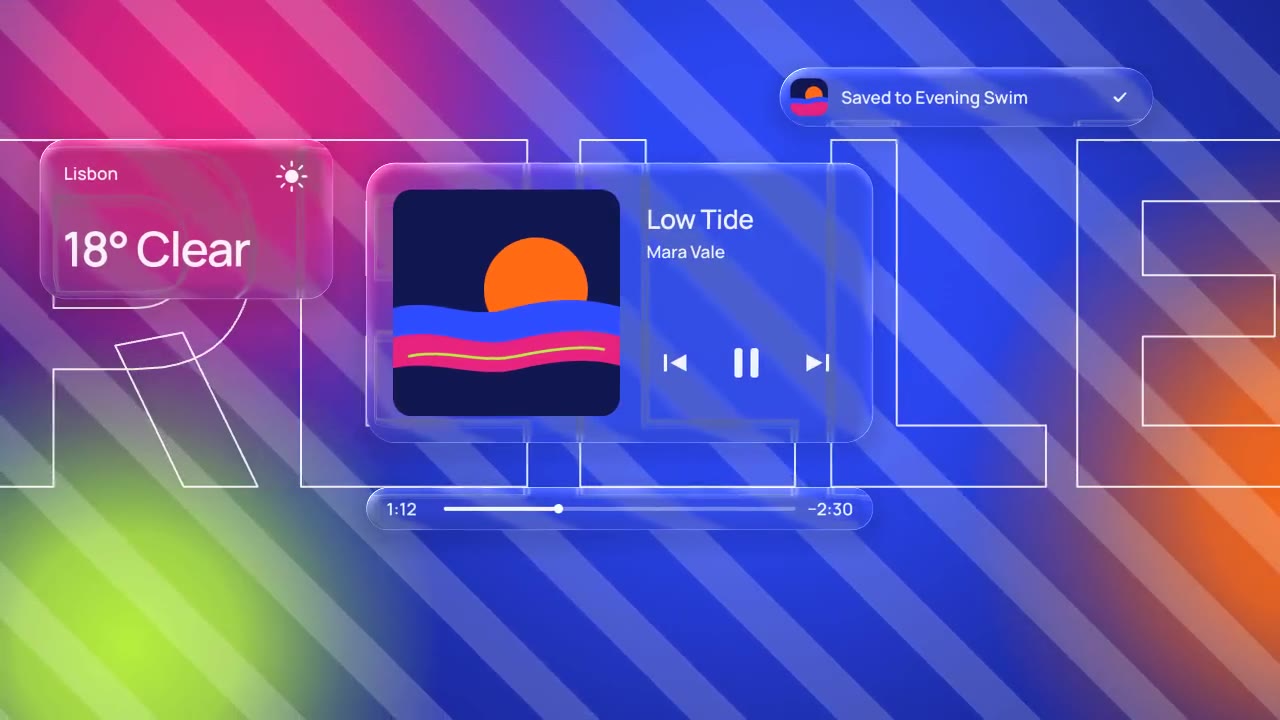
Glass panels with real refraction float over vivid, striped color: their rims bend what's behind them, two buttons fuse…

A dark-mode work tool drawn in hairlines and quiet radial glows: issue rows populate, ⌘K opens a command menu, a comman…

Rounded tiles spring into a bento grid on warm paper, each acting out one feature in a small animation, then the tiles…
More like this on the motion design inspiration board: UI animation inspiration