
Sorting Algorithm
Quicksort replayed honestly on a deep teal stage: 24 cream bars, an amber pivot with a dashed level line, pointers walking the range, swaps arcing over each other, one slow teaching pass and then the rest at speed, with live counters and a code panel tracking the line.
Written and rendered by AI CSS Animations Oct 16, 2026
- Type
- prompt
- Made with
- Claude Opus 5.5 in Claude Code
- Built in
- Canvas
- Topics
- Code · Charts
About this style
Animated sorting goes back at least to Sorting Out Sorting, a 1981 film made by Ronald Baecker at the University of Toronto that raced algorithms as moving bars and dots. Bars stand for values, and highlighted comparisons and swaps make each step of an algorithm visible. Quicksort, published by Tony Hoare in 1961, is a favorite subject because its partitions split the problem in a way the eye can follow. The format remains a staple of computer science teaching and programming videos.
The prompt
Make a 10-second quicksort visualization: 24 bars are sorted by a real Lomuto-partition quicksort, every comparison and swap shown in order, with live counters.

<inputs>
- Array: the values 1–24, shuffled by Fisher–Yates with mulberry32 (seed 2026).
- Algorithm: quicksort, Lomuto partition, last element as the pivot, left part first.
- Title: "Quicksort, step by step". Counters: comparisons, swaps, depth.
- Code panel, five lines:
  pivot = a[hi]; i = lo
  for j in lo .. hi − 1:
    if a[j] < pivot:
      swap(a[i], a[j]); i += 1
  swap(a[i], a[hi])
- Length: 10 seconds.
If I don't give you something, use the default and don't ask.
</inputs>

<direction>
Truth first: run the sort once at load and record its events in order (enter range, choose pivot, compare, swap, place pivot, mark sorted). Self-swaps (i = j) are skipped: they neither play nor count. seek(t) maps t onto that event list through cumulative durations, so every frame is a real state of the array and the counters are the counts of events played so far. A range of one element is marked sorted instantly; depth is the recursion depth of the active range.
Pacing: the first partition (the whole array) plays at teaching speed: 0.07s per comparison, 0.2s per swap. Every later event plays faster, scaled uniformly so the sort ends exactly at 8.0s, with a comparison weighing 1 and a swap 3.
Palette: ground deep teal #0E3B43; bars cream #F1E6CF; bars outside the active range at 32%; the pivot amber #FFB547; sorted bars mint #7FE0C3; secondary text #9CC5C9; code panel #0A2E35 with a 1px #1E5A63 border and a #1E5A63 line highlight.
Comparisons are read, not flashed: a 1.5px dashed amber line at the pivot's height spans the active range, a white caret "j" glides under the bar being compared, and a mint caret "i" marks the edge of the smaller-than-pivot zone, which a 4px mint bar underlines from lo to i − 1. Bars never blink.
Swaps: the two bars trade places over the swap's duration on easeInOutCubic; the one moving right lifts on a 36px sine arc and passes over the other, which slides along the floor. When the pivot lands, it crossfades to mint over 0.2s.
Type: title "Schibsted Grotesk" 700, 52px, #F1E6CF; everything else "JetBrains Mono": counters 26px (labels #9CC5C9, numbers #F1E6CF, tabular), code 22px on a 36px line height, value labels 20px.
Layout: title top-left at x 96, baseline y 120; counters at baseline y 190 ("comparisons 0   swaps 0   depth 0"). Code panel top-right at x 1220–1824, y 72–300, 12px radius. Bars 50px wide at a 66px pitch, from x 176 to 1744, on a baseline at y 880, height = value × 21px. Value labels at baseline y 912. Carets at y 936–960 with their letters below at baseline y 990. The active range's bracket, a 2px #9CC5C9 line with end ticks, sits at y 352.
In the teaching pass, the code highlight slides between lines on easeInOutCubic over 0.08s. In the fast pass it fades out and a small tag showing the real speed-up (rounded, such as "4×") appears after the title, so the highlight never blinks between lines.
The real thing is a faithful replay you could audit frame by frame: honest counts, pointers you can follow, one slow pass that teaches the rule. The cheap version shuffles rainbow bars at random and flickers a color on every comparison.
Banned: rainbow or hue-by-value bars, bars changing height, skipped or invented steps, highlights blinking on and off, waveform or audio visuals, 3D, gradients, glow, bouncy easing, emoji, anything flashing more than 3 times per second.
</direction>

<structure>
0.0–0.6s: the title and counters fade up; the code panel slides in 24px from the right.
0.6–1.2s: the bars rise from the baseline in index order, 15ms apart, 0.35s each on cubic-bezier(0.22, 1, 0.36, 1); value labels fade in.
1.2s to the end of the first partition (about 4.5s): the teaching pass. The bracket spans the array, the pivot turns amber and its level line draws across, j walks the range, swaps arc over, the code highlight follows each step, and the pivot swaps into place and turns mint.
Then to 8.0s: the rest of the recursion at speed; the bracket jumps to each subrange, the depth changes, and bars turn mint as they land.
8.0–8.8s: a white caret sweeps left to right under all 24 bars, each brightening once to #B8F2E0 and back as it passes; a drawn check mark appears after the title; the counters hold their final values.
8.8–10.0s: hold.
Other lengths: stretch the fast pass first; keep the teaching pass at its speed and the hold at least 1s.
</structure>

<build>
One self-contained index.html, CSS and JS inline. Google Fonts via <link> are fine; no other libraries. Draw in Canvas 2D, repainting every frame from scratch, with the backing store sized from the CSS size × devicePixelRatio. Canvas won't fetch fonts itself, so the font wait matters here. Await document.fonts.load() for every face before defining window.seek. The stage is 1920×1080 (16:9), scaled to fit the window. Design for 60fps. window.seek(t), t in seconds, must compute every visual from t alone: no CSS transitions or animations, no setTimeout or setInterval, no state carried between frames, and randomness only from a seeded PRNG. The shuffle and the full event list are computed once at load; seek(t) replays the list up to t. Without ?render in the URL, drive seek from requestAnimationFrame so it plays in a browser (loop after a 1s end hold); with ?render, don't start that loop.
</build>

<check>
Before showing me, step through one frame per second: screenshot each and look at it. Fix overlaps, clipped or cramped text, accidental edge collisions, and anything off-style or Banned. Confirm the array after the last event is 1 to 24 in order and the final counters equal the total comparisons and non-self swaps in the list. Check that no bar blinks, carets and labels never overlap, the speed tag shows the real factor, and the teaching pass is slow enough to follow. Confirm seek(duration) and seek(duration + 1) match, so the final frame holds.
</check>
Ours, and free to use under CC0: copy it, change it, ship it. No credit needed.
Similar prompts
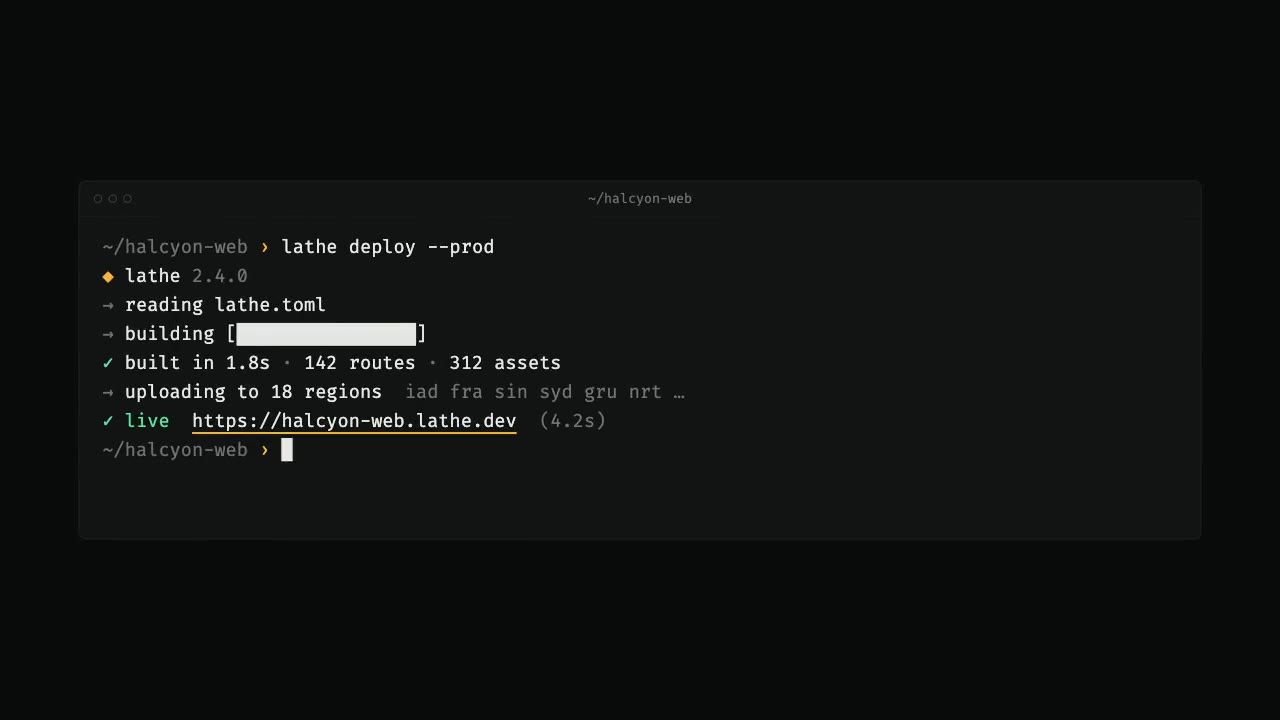
A terminal types a deploy command with a human rhythm, output streams with spinners and a progress bar, then every glyp…
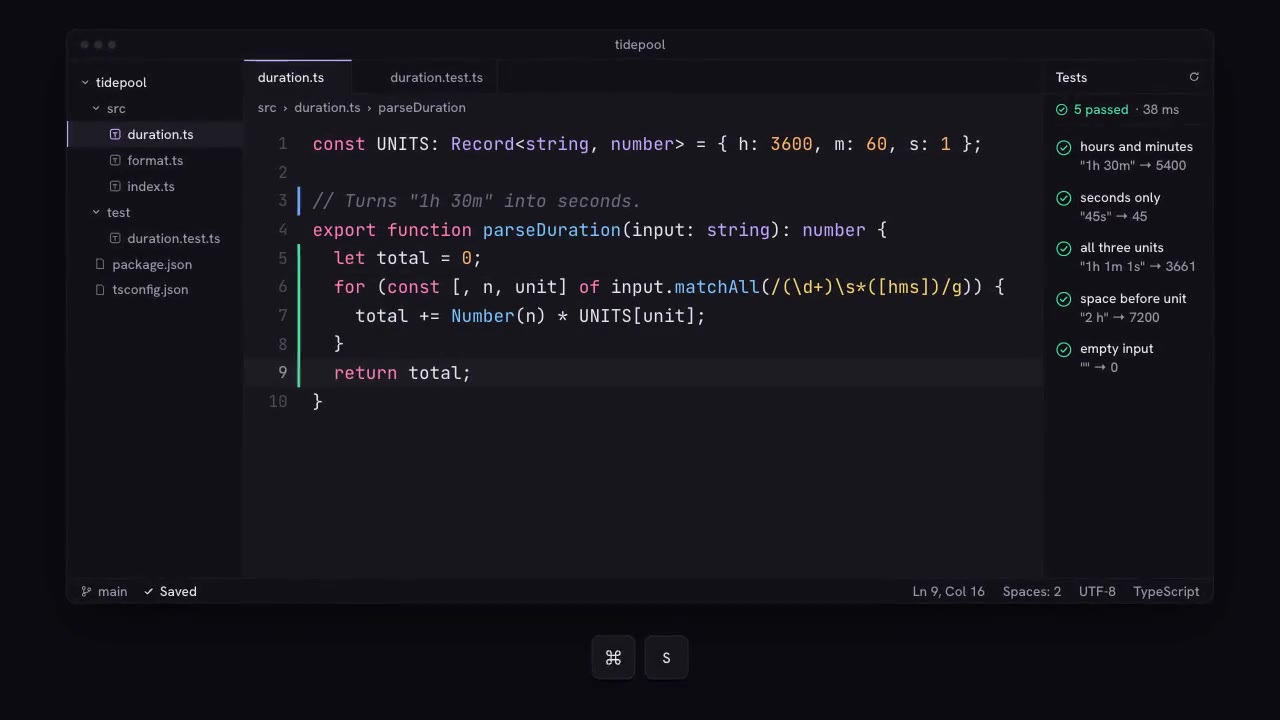
A dark code editor in an original pink-and-lilac theme: dimmed ghost text suggests a function body, two Tab presses acc…
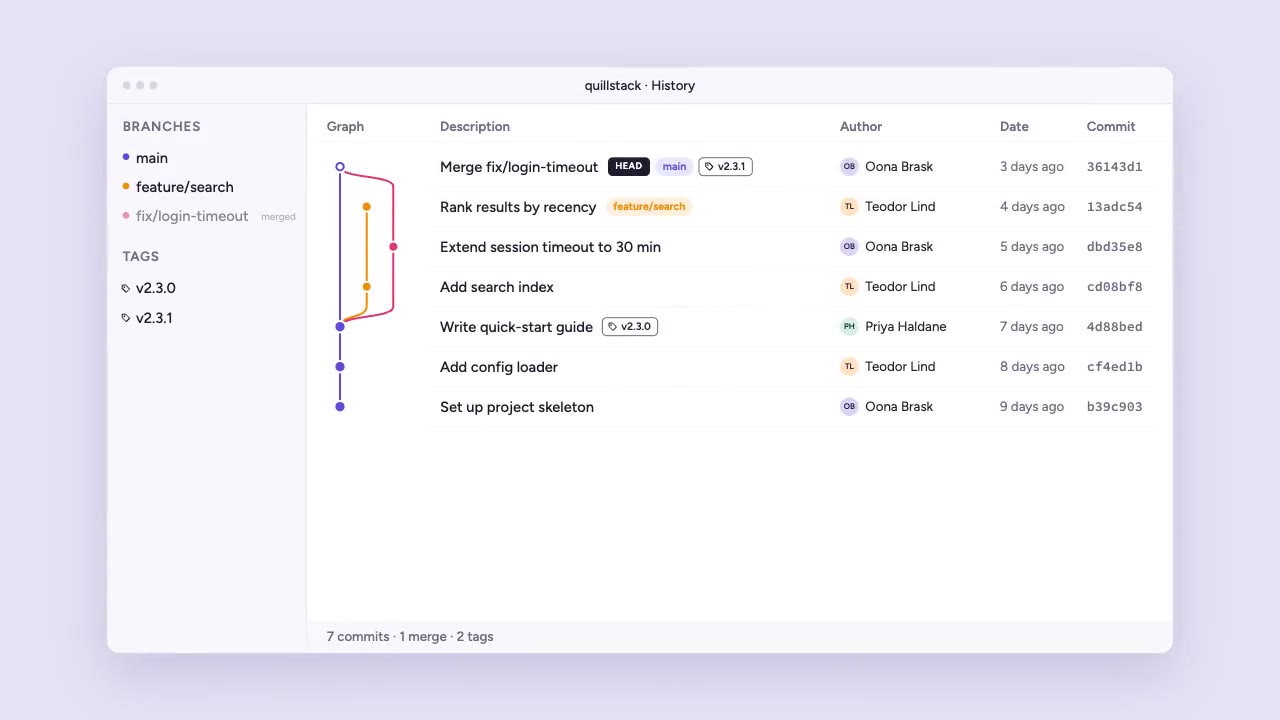
A light desktop history view on a lilac backdrop: commits land one by one at the top of a lane graph, a feature branch…
Position Parameter Third argument (or position property in vars) controls placement: Absolute: 1 — start at 1 second. R…
More like this on the motion design inspiration board: Data visualization inspirationCode animation inspiration